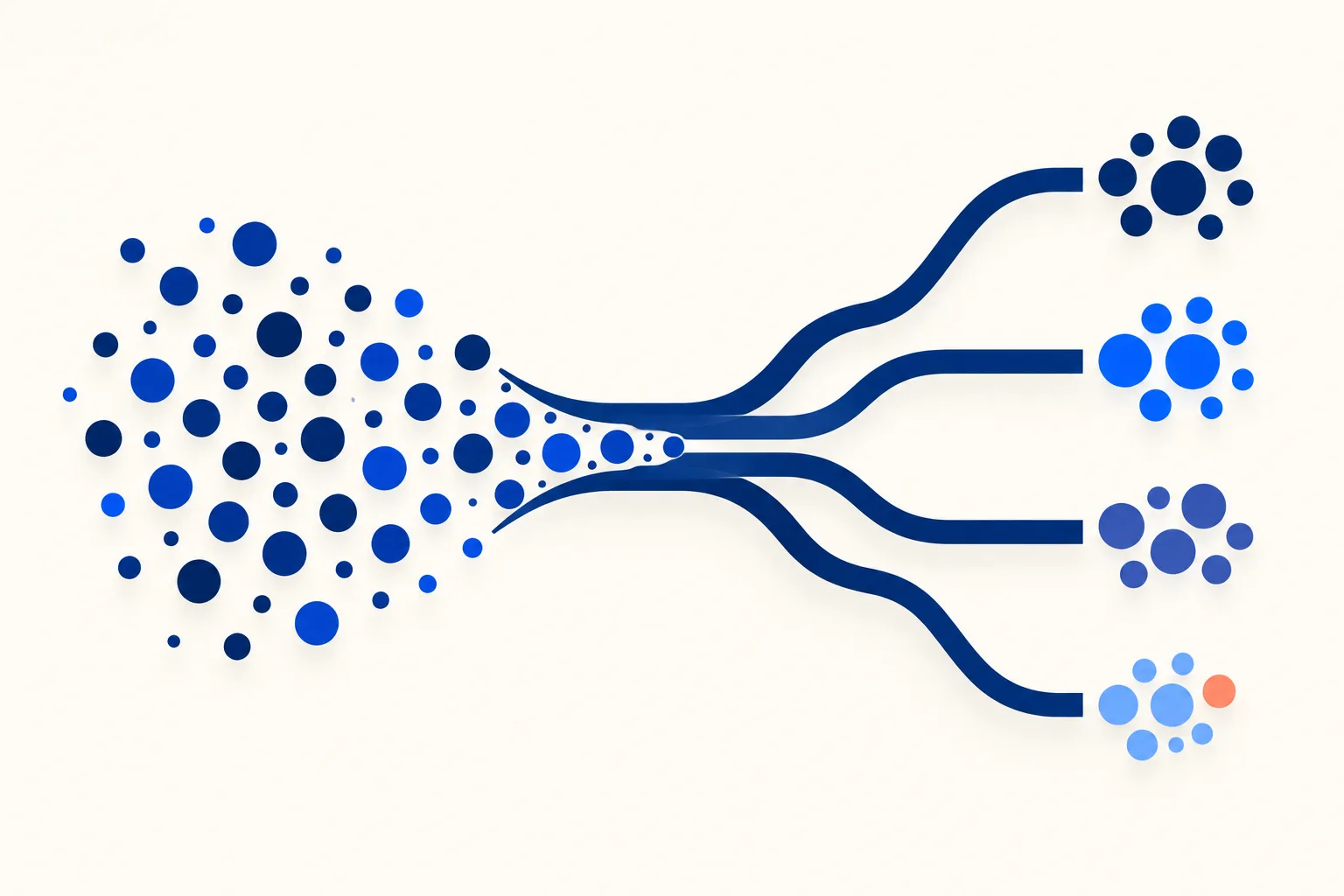
Email segmentation is splitting a list into groups that share a trait or behavior, so each group gets email that fits where it is. Retail guides segment on demographics and purchase history. A SaaS team has better data: where the account is in its lifecycle, what it does in the product, and whether its billing is healthy. Those three drive the ten segments below: new trial, activated trial, paying customers by plan, approaching a plan limit, power users, usage drop, dormant, failed payment, role (admin or billing contact versus end user), and cancelled.
Each segment gets a rule you can compute, an email worth sending and an exit condition. The part most guides skip comes after: what to do when one user matches several segments on the same day.
The 10 SaaS segments at a glance
| # | Segment | Defining rule (example thresholds) | Primary email | Exit condition |
|---|---|---|---|---|
| 1 | New trial, not activated | Trial, 3 to 7 days old, key action not done | Nudge toward the key action | Does the key action, converts, or trial ends |
| 2 | Activated trial | Key action done, not yet paying | Show the next feature, plan comparison | Converts or trial ends |
| 3 | Paying, by plan | Active subscription, grouped by plan | Plan-specific tips; upgrade prompt only if a limit was hit | Plan changes or cancels |
| 4 | Approaching a limit | Usage at 80% or more of seats, quota or usage cap | Heads-up with the upgrade path | Upgrades or usage falls below threshold |
| 5 | Power users | Top usage band (for example top 10% by weekly actions) | Beta invite, referral or review request | Usage falls out of the band |
| 6 | Usage drop | Weekly activity below 50% of own 4-week baseline | Check-in tied to the feature they used | Activity recovers or they go dormant |
| 7 | Dormant | No product activity for 30 days | Re-engagement series | Returns, or is suppressed after the last attempt |
| 8 | Failed payment | Latest invoice failed | Dunning sequence | Payment succeeds or subscription cancels |
| 9 | Role: admin or billing contact | Role field on the user | Invoices, security and plan notices | Role changes |
| 10 | Cancelled | Subscription ended | Win-back, if consent allows | Reactivates or window closes |
The thresholds are starting points. Pick numbers from your own usage distribution, not from this table.
Segments 1 to 5: from trial to paid
1. New trial, not yet activated
Rule: account status is trial, created 3 to 7 days ago, and no event for your key action (the first report created, first integration connected, first message sent). Send: one email about the key action only, with a link that opens straight into it. This is the first email of an onboarding sequence and it should stop being sent the moment the action happens. Exit: key action done, conversion, or trial end.
2. Activated trial
Rule: key action done, no paid plan. Send: the second feature that people who convert tend to use, and a plain plan comparison. Do not keep sending activation nudges to someone who already activated; that is the most common sign of a segment that was never wired to the events. Exit: converts or trial ends.
3. Paying customers by plan
Rule: active subscription, split by plan. Send: tips for features that exist on their plan. Send an upgrade prompt only to accounts that hit something their plan cannot do, which is segment 4. Upgrade pitches sent to everyone on the lower plan train people to ignore you. Exit: plan change or cancellation.
4. Approaching a plan limit
Rule: usage at or above a share of the limit, for example 80% of seats, API calls or stored items. Send: a short note saying what they are about to hit, what happens at the limit and what the next plan includes. This is the one upgrade email that is a service to the reader. Exit: upgrade, or usage drops below the threshold.
5. Power users
Rule: top usage band, measured against other accounts of similar size, for example the top decile by weekly actions. Send: beta invitations, referral asks and review requests. Heavy users have the most to say about the product and the most patience for early features. Exit: usage leaves the band for several weeks. Add a delay so a quiet holiday week does not flip people in and out.
Segments 6 to 10: retention, billing and roles
6. Usage drop
Rule: activity in the last 14 days is under half of the account’s own previous four-week average. Compare each account with its own history, because a small team that always logs in twice a week is not “inactive” next to a team of fifty. Send: a check-in about the specific feature they stopped using, written by a person, not a generic “we miss you”. Exit: activity recovers, or 30 days pass without activity and they move to segment 7.
7. Inactive or dormant
Rule: no product activity for 30 days (adjust to your product’s natural cadence; a payroll tool and a design tool are different). Send: a re-engagement campaign of two or three emails, then stop. Addresses that never respond after the last attempt belong in list cleaning, not in an endless drip. Exit: any product activity, or suppression after the final email.
8. Failed payment
Rule: the latest invoice failed. Send: dunning emails to the billing contact: what failed, how to update the card, the date access changes. Exit: payment succeeds or the subscription cancels. This segment outranks every promotional segment, as the next sections show.
9. Role: admin or billing contact versus end user
Rule: a role field on the user record. Send: invoices, security notices, plan changes and admin-only announcements go to admins and billing contacts. Feature tips go to end users. A seat holder who gets a “your card failed” email they cannot act on is a support ticket waiting to happen. Exit: the role changes. This segment is a filter that combines with the others rather than a stage a user passes through.
10. Cancelled or churned
Rule: subscription ended. Send: one confirmation of what happens to their data, then, if the user has not opted out of marketing, a win-back email after a gap of weeks, ideally tied to something that shipped since they left. Exit: reactivates, or the win-back window ends. Respect any objection at once (see the consent section).
How to define a segment from product data
SaaS segments on behavior, not demographics. The useful fields are the ones your product already records: account status, plan, event counts, role and billing state. Most of them live in your product database or event pipeline, not in the email tool.
Here is segment 1 as SQL. The application passes the window bounds, so the query is plain standard SQL with no date-function dialect.
-- Segment 1: trial accounts, 3 to 7 days old, key action not done.
-- :window_start = now minus 7 days, :window_end = now minus 3 days
SELECT a.id, a.owner_email
FROM accounts AS a
WHERE a.status = 'trial'                       -- still on trial
  AND a.created_at >= :window_start            -- no older than 7 days
  AND a.created_at <  :window_end              -- at least 3 days old
  AND a.owner_email_opted_out = 0              -- marketing consent respected
  AND NOT EXISTS (                             -- no key action yet
    SELECT 1
    FROM events AS e
    WHERE e.account_id = a.id
      AND e.name = 'first_report_created'
  );
Where the data lives decides how the segment reaches the email tool. There are three common routes: query the product database directly, route events through an event pipeline or customer data platform, or sync computed attributes to the email platform by API. The third is the simplest to reason about: compute a flag such as segment_new_trial_not_activated, push it, and let the email platform trigger on it. See email automation for SaaS and trigger emails for how that wiring works.
Also decide whether each segment is static or dynamic. In Plunk’s documentation, “A dynamic segment’s membership is defined by a filter”, while “Static segments are manually curated lists.” Lifecycle segments should be dynamic, because a user who activates must leave segment 1 without anyone editing a list. Static segments suit one-off sends such as a webinar attendee list. Check when your own platform re-evaluates dynamic membership: on each send, on each event, or on a schedule. The difference decides whether someone gets a nudge hours after they already did the thing.
When segments overlap: priority and suppression
Segments are not exclusive. A power user can have a failed payment. An admin can be approaching a limit and dormant on the same day. If each segment sends independently, that person gets three emails in an hour.
When a user matches more than one segment, send only the highest-priority message and hold the rest. Priority order: billing and security first, then lifecycle, then promotional.
A workable order:
- Billing and security: failed payment, security notices, plan changes (segments 8 and 9).
- Lifecycle: activation, limit warnings, usage drop, dormant (segments 1, 2, 4, 6, 7).
- Promotional and growth: upgrade prompts, referrals, beta invites, win-back (segments 3, 5, 10).
The matrix below shows which segment suppresses which. Read it as “if the user is in the row segment, hold the column segment”.
| If in… | hold: Activation nudge (1) | hold: Limit warning (4) | hold: Power-user asks (5) | hold: Re-engagement (7) | hold: Win-back (10) |
|---|---|---|---|---|---|
| Failed payment (8) | Yes | Yes | Yes | Yes | Yes |
| Usage drop (6) | Yes | No | Yes | Yes | No |
| Approaching limit (4) | No | n/a | Yes | Yes | n/a |
| Cancelled (10) | Yes | Yes | Yes | Yes | n/a |
Add a frequency cap on top: for example, no more than one lifecycle or promotional email per user in any three-day window, with billing and security messages exempt. Without a cap, the matrix only controls which message wins, not how many arrive. Billing and security notices are transactional, so they usually travel on a separate stream from marketing; see transactional versus marketing email.
When a message is held, decide whether it expires or queues. A dunning email held for two days is a mistake; an upgrade prompt held for two days is fine and often better.
How small is too small
Every segment you add divides the audience, and small segments cannot be tested. If a variant goes to a few dozen people, a difference in clicks is mostly noise. As a rule of thumb, not a statistical guarantee: do not A/B test inside a segment unless each variant gets at least several hundred sends, and merge segments that stay below that. Merge neighbors that get the same email anyway, such as segments 6 and 7 in a small product, and keep them separate only when they need different copy or timing.
Small segments are still worth sending to when the message is a service, like a failed-payment notice. You are not testing it, you are delivering it. Use a larger sample, or run tests across several sends, when you need a clear result.
Measuring segmentation
Compare each segment’s click rate and its conversion to the product action, such as activation or upgrade, against an unsegmented control or the previous send to the same group. Opens are unreliable. Apple says Mail Privacy Protection “helps users prevent senders from knowing when they open an email” (Apple Newsroom, June 7, 2021), so a share of your recipients register as opened whether or not they read it. Treat open rates as a weak signal and anchor on clicks and product events.
On the size of the effect, the best-known public number is old and comes from a vendor. In a Mailchimp analysis (page updated February 1, 2017), about 2,000 users sent about 11,000 segmented campaigns to almost 9 million recipients, and Mailchimp compared them with the same customers’ non-segmented campaigns. Clicks were “100.95% higher than non-segmented campaigns”, and opens “14.31% higher”. It measured campaigns on its own platform, not SaaS lifecycle email, and it predates Mail Privacy Protection, so its open figure is no longer a reliable one. Use it as evidence that segmentation tends to help clicks, and measure your own lift.
Consent and compliance notes
Segmenting on behavior counts as profiling when it is tied to an identifiable person. Under the GDPR, the right to object covers it: where data is processed for direct marketing, the person has the right to object “to processing of personal data concerning him or her for such marketing, which includes profiling to the extent that it is related to such direct marketing” (Article 21(2)), and after an objection “the personal data shall no longer be processed for such purposes” (Article 21(3)). Honor an unsubscribe in every marketing segment immediately. Details are in our GDPR and email marketing guide.
Keep receipts, password resets and security alerts out of marketing suppression rules: a user who unsubscribed from promotions still needs to get them. This is not legal advice; check the rules for the countries you send to.
Frequently Asked Questions
What is email segmentation?
Email segmentation is dividing a subscriber list into groups that share a trait or behavior, such as lifecycle stage, plan or recent activity, and sending each group email that fits it. It is a targeting decision about who receives a message, separate from what the message says.
What are the main types of email segmentation?
The common types are demographic or firmographic (role, company size, location), behavioral (product actions, clicks), lifecycle (trial, customer, churned) and transactional (plan, billing state). For SaaS, behavioral, lifecycle and billing segments do most of the work.
How many segments should a SaaS company have?
Start with the lifecycle and billing segments in this guide and add one only when it needs different copy or timing from every existing one. Ten is a ceiling for a small team, not a target. Each added segment needs its own email, its own exit rule and enough volume to measure.
What is the difference between segmentation and personalization?
Segmentation chooses which group of people gets a message. Personalization changes the content for one recipient, such as their name or the feature they used. Most programs combine them: a segment decides who is sent the usage-drop email, and personalization names the feature that dropped.
What data do you need to segment an email list?
At minimum: account status, signup date, plan, role, billing state and a handful of product events that mark activation and ongoing use. Add marketing consent as a field so every segment can exclude people who opted out.
How often should segments update?
Billing and activation segments should update when the event happens, because a delayed update sends the wrong email. Slower-moving segments such as power users can recompute daily or weekly. Check whether your platform recalculates dynamic segments on send, on event or on a schedule.
Does segmentation improve deliverability?
It can help indirectly. Sending relevant mail to engaged groups tends to reduce complaints and unsubscribes, and stopping sends to dormant users keeps a list cleaner. Mailchimp’s 2017 analysis also reported fewer bounces, abuse reports and unsubscribes for segmented campaigns, though it did not test deliverability directly.

I’ve spent my career building software at scale with a soft spot for email: deliverability, lifecycle campaigns, and getting messages to actually land. I started Coldletter to fix what bugged me about transactional and marketing email tools. I’m based in Vancouver.