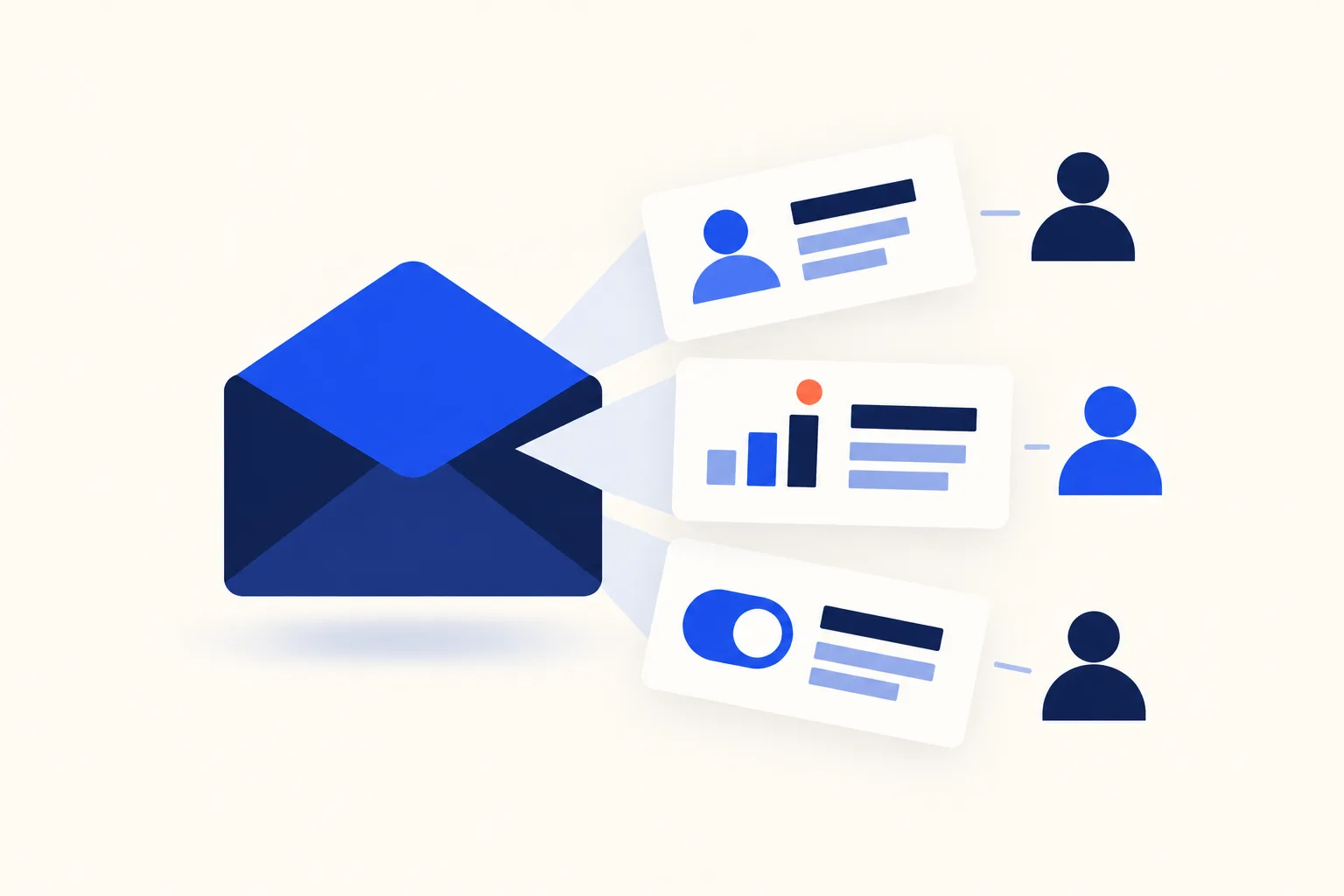
Email personalization is changing an email’s content, timing, or offer for each recipient based on data you hold about them. For a SaaS product, the data that earns its keep is what the user did or did not do inside the product: the setup step they stalled on, the integration they connected, the seat limit they are about to hit. A first name in the greeting is the cheapest personalization and the weakest. It is also the one most likely to render as “Hi ,” when a field is empty.
This guide is for both people who touch a lifecycle email: the developer who wires the data into the template, and the growth marketer who writes the copy. It covers what to personalize, how the rendering works (with template code), where it breaks, and how to tell whether it worked.
What to personalize in a SaaS email, layer by layer
Personalization comes in layers. Each layer needs more data plumbing than the one before it, and each pays back more.
| Layer | Data source | SaaS example | Effort | Failure risk |
|---|---|---|---|---|
| Identity tokens | CRM, signup form | Name, company name in the greeting | Low | High: empty or malformed values render visibly |
| Account context | Billing, workspace settings | Plan, role, seat count, trial days left | Medium | Medium: values go stale after a plan change |
| Behavior and lifecycle stage | Product events | Features used, last action, setup step reached, days inactive | High | Medium: event pipeline delays and gaps |
| Timing | Event stream, time zone field | Send when the event fires, or at a set local time | Medium | Low to medium: wrong time zone, duplicate triggers |
| Content blocks | Any of the above | A section that appears only for users who meet a condition | High | High: every branch needs testing |
Product data beats identity tokens. A name tells the reader you have a database. An email that says what they did and what to do next tells them you are paying attention to their account.
Identity tokens. {{first_name}} and company name are fine as a courtesy and should never carry the message. Treat them as the layer where a fallback is mandatory.
Account context. A trial-expiry email that says “3 days left on your Team trial” is more useful than one that says “your trial is ending soon”. The same logic covers a seat-limit warning that names the limit and the current count. Because plan data changes, read it at send time rather than copying it into a segment weeks earlier.
Behavior and lifecycle stage. This is where lifecycle sequences earn their value. In an onboarding sequence, the user who connected a data source and the one who has not need different next steps. For inactive users, a re-engagement email can name the last thing they did instead of sending a generic “we miss you”.
Timing. Trigger emails send in response to an event, so the message arrives while the action is fresh. A failed payment is the clearest case: a dunning email sent minutes after the failure, naming the card’s last four digits and linking straight to the billing page, does more than a weekly batch. For non-urgent sends, delivering in the recipient’s time zone is a smaller gain, and only worth it if you store the time zone reliably.
Content blocks. Conditional sections change what the email says, not just who it greets. They are the most flexible layer and the one that needs the most testing, because each condition multiplies the variants you have to check. If you are building the surrounding flows, email automation for SaaS covers the plumbing.
How personalization is rendered: merge tags, fallbacks, and conditionals
Most email platforms render personalization with a template language. The examples below use Liquid, which is widely supported across email tools. Check your platform’s docs for the variable names it exposes, because the syntax is Liquid’s but the data object is yours. If you need the basics first, see our explainer on merge tags.
Two Liquid behaviors matter for safe rendering:
- The
defaultfilter. Liquid’s docs say it “will show its value if the input isnil,false, or empty.” That includes an empty string, so{{ user.first_name | default: "there" }}covers both a missing field and a blank one. - Truthiness. Liquid’s docs state: “The only values that are falsy in Liquid are nil and false.” and “Strings, even when empty, are truthy.” So
{% if user.first_name %}is true for a blank name. Usedefault, or compare explicitly, when the field might be an empty string.
Hi {{ user.first_name | default: "there" }},

{% if user.integration_connected %}
Your {{ user.integration_name }} integration is live. Next, invite a teammate so alerts reach the right people.
{% else %}
Your workspace is ready, but no data source is connected yet. Connect one and your first dashboard fills in.
{% endif %}if, else and endif are Liquid’s standard conditional tags, and elsif adds more branches. Liquid also has comparison operators (==, !=, >, <, >=, <=, and, or) and contains, which checks for a substring inside a string.
If your platform uses Handlebars instead, there is no built-in default filter. You write the fallback as a block: {{#if first_name}}Hi {{first_name}},{{else}}Hi there,{{/if}}. Handlebars documents that the block is not rendered when the argument is false, undefined, null, "", 0, or [], so a blank name falls through to the else branch.
Worked example: one onboarding email, two users
Take the template above and render it for two users of a fictional analytics product called Tallyboard. The data differs in two fields.
| Field | Maria | User B |
|---|---|---|
first_name | "Maria" | "" (left blank at signup) |
integration_connected | true | false |
integration_name | "Postgres" | not set |
| Setup step reached | Finished | Stopped at step 2 |
Rendered for Maria:
Hi Maria,
Your Postgres integration is live. Next, invite a teammate so alerts reach the right people.
Rendered for User B:
Hi there,
Your workspace is ready, but no data source is connected yet. Connect one and your first dashboard fills in.
Same template, same send, two different emails. User B’s blank name is caught by the default filter, so the greeting still reads naturally. The body for User B points at the exact step where they stopped, which is the only thing that email needs to do. Maria’s email skips setup advice she no longer needs and moves her to the next milestone.
Notice what carried the personalization: one boolean from the product database. The name was incidental.
Where email personalization goes wrong
Broken or empty tokens. “Hi ,” and “Hi {{first_name}},” are the visible failures. They happen when a field is empty, when the template language is not what the platform expects, or when the data sync lags behind the send.
Stale data. A segment built on Monday says the user is on the Free plan. On Wednesday they upgrade. On Thursday the segment sends them an upgrade prompt. Evaluate conditions at send time against current data wherever your platform allows it.
Creepy specificity. “We saw you opened the pricing page four times yesterday” is accurate and unwelcome. Personalize on what helps the user do the next thing in your product, not on a surveillance log of their behavior.
Using data for a purpose the user did not expect. Under the GDPR, personal data must be “collected for specified, explicit and legitimate purposes” (Article 5(1)(b), the purpose limitation principle). The UK regulator’s guidance on that principle says that for a new, different use, “you’re likely to need to ask for specific consent.” In practice, if a user gave you an email address to create an account, check your privacy notice and lawful basis before you use enriched or purchased data to personalize marketing to them.
Over-segmenting a small list. Cut a list of a few thousand into ten conditional variants and no variant gets enough sends to show whether it works. Fewer, more meaningful branches teach you more.
Pre-send QA checklist
- Send a test with every personalization field empty. Confirm the fallbacks read naturally.
- Send a test with unusually long values (a 60-character company name, a double-barreled surname) and check the layout, the subject line, and the preheader.
- Render every branch of every conditional. A test user for each branch is faster than reading the template.
- Test with special characters and non-Latin names to catch encoding problems.
- Check the subject line separately. It renders from the same data and fails in the same ways, and it is the most visible place for a broken token. See our notes on subject lines.
- Confirm that time-sensitive values (plan, trial days, balance) are read at send time, not copied from an old segment.
Measuring whether it worked
Apple Mail Privacy Protection changes what an open means. Apple says the feature “stops senders from using invisible pixels to collect information about the user.” Litmus explains the practical effect: Apple first routes emails through a proxy server to pre-load message content, tracking pixels included, so “you can’t tell who opened your emails, when, and where via Apple Mail.”
For anyone testing personalization, the consequence is direct. A lift in measured open rates after you add a first name to a subject line may reflect pre-loaded pixels as much as human attention.
Measure on clicks or product actions, not opens. An open tells you a message may have been loaded. A click, a completed setup step, or an upgrade tells you the email changed something.
A practical measurement setup:
- Pick the outcome the email asks for. For the Tallyboard email, that is “connected a data source within seven days,” not “opened.”
- Hold out a random group. Before sending, randomly assign a share of the eligible users to receive the generic version (or nothing). The holdout has to be large enough to show a difference in your outcome; with a low-volume product, that can mean a bigger share than you would like.
- Compare outcomes over a fixed window. Count the outcome for everyone assigned to each group, not only the people who opened or clicked. Filtering to openers reintroduces the bias you are trying to avoid.
- Change one thing at a time. If the personalized version also has a new subject line and a new call to action, you will not know which change did the work.
The personalization statistics you will see quoted, and where they come from
Two figures circulate widely. Here is what the sources show.
“Personalized subject lines get 26% more opens.” Campaign Monitor’s knowledge base states: “Readers are 26% more likely to open emails with personalized subject lines.” The page names no study. A 2014 MarTech article attributes a 26 percent figure to Experian’s research: “Experian’s research showed personalized subject lines delivered 26 percent higher unique open rates overall.” Experian’s own press release on its 2013 Email Market Study, published February 5, 2014, does not contain the 26 percent figure. It reports other numbers: “37 percent increase in unique open rates for emails with personalized subject lines” for multichannel retailers, and “29 percent higher unique open rates” for personalized promotional mailings. So the 26% figure is traceable only to a secondhand report of a study from 2013 data, it does not appear in the primary release, and “more likely to open” and “higher unique open rates” are not the same measure. It also predates Mail Privacy Protection, so it was measured on opens that were more reliable than today’s. Do not use it as a benchmark for your own list.
“Personalized emails generate six times higher transaction rates.” This one does trace to a primary source. Experian’s 2014 press release says “personalized emails generate six times higher transaction rates and revenue per email than nonpersonalized email.” It is a vendor study of 2013 email programs, so it is evidence that personalization can matter for transactional outcomes, not a prediction for a SaaS lifecycle email today.
The practical takeaway: treat these numbers as directional, and run your own holdout test.
Frequently Asked Questions
What is email personalization?
Email personalization is changing an email’s content, timing, or offer for each recipient based on data you hold about them. That data can be identity (name, company), account context (plan, role), or behavior (features used, last action). The more it reflects what the person did in your product, the more useful the email tends to be.
What are examples of email personalization?
In a SaaS product: a trial email that states the days left, an onboarding email that points to the setup step the user stopped at, a usage-milestone email that names the milestone, a seat-limit warning with the current count, a failed-payment email with the card’s last four digits, and a re-engagement email that references the user’s last action.
Does personalization improve open rates?
It may, but open rates are now a weak way to check. Apple Mail Privacy Protection pre-loads tracking pixels, so opens are inflated for Apple Mail users. Judge personalization by clicks, the product action the email asks for, or conversions, using a holdout group.
What data do you need to personalize emails?
Start with what you already store: name, company, plan, and signup date. For stronger personalization, send product events (setup steps completed, features used, last active date) to your email platform or make them available at send time through an API. Only use data the user knowingly provided or that your privacy notice covers.
What is the difference between personalization and segmentation?
Segmentation decides who receives an email, by grouping recipients on shared traits or behavior. Personalization decides what each recipient sees, by changing the content, timing, or offer within the send. They work together: a segment of stalled trial users can receive an email whose body changes by the step each user reached.
How do you personalize emails at scale?
Write one template with merge tags, fallbacks, and a small number of conditional blocks, and feed it current data at send time. Set defaults for every field, test each branch before launch, and trigger sends from product events instead of building a segment for every case.
Is email personalization GDPR compliant?
It can be, but it depends on the data and the purpose. Article 5(1)(b) requires personal data to be collected for specified, explicit and legitimate purposes, so check that your privacy notice and lawful basis cover personalization before you use data for it. Our guide to GDPR and email marketing covers consent and lawful basis in more detail. This is general information, not legal advice.

I’ve spent my career building software at scale with a soft spot for email: deliverability, lifecycle campaigns, and getting messages to actually land. I started Coldletter to fix what bugged me about transactional and marketing email tools. I’m based in Vancouver.