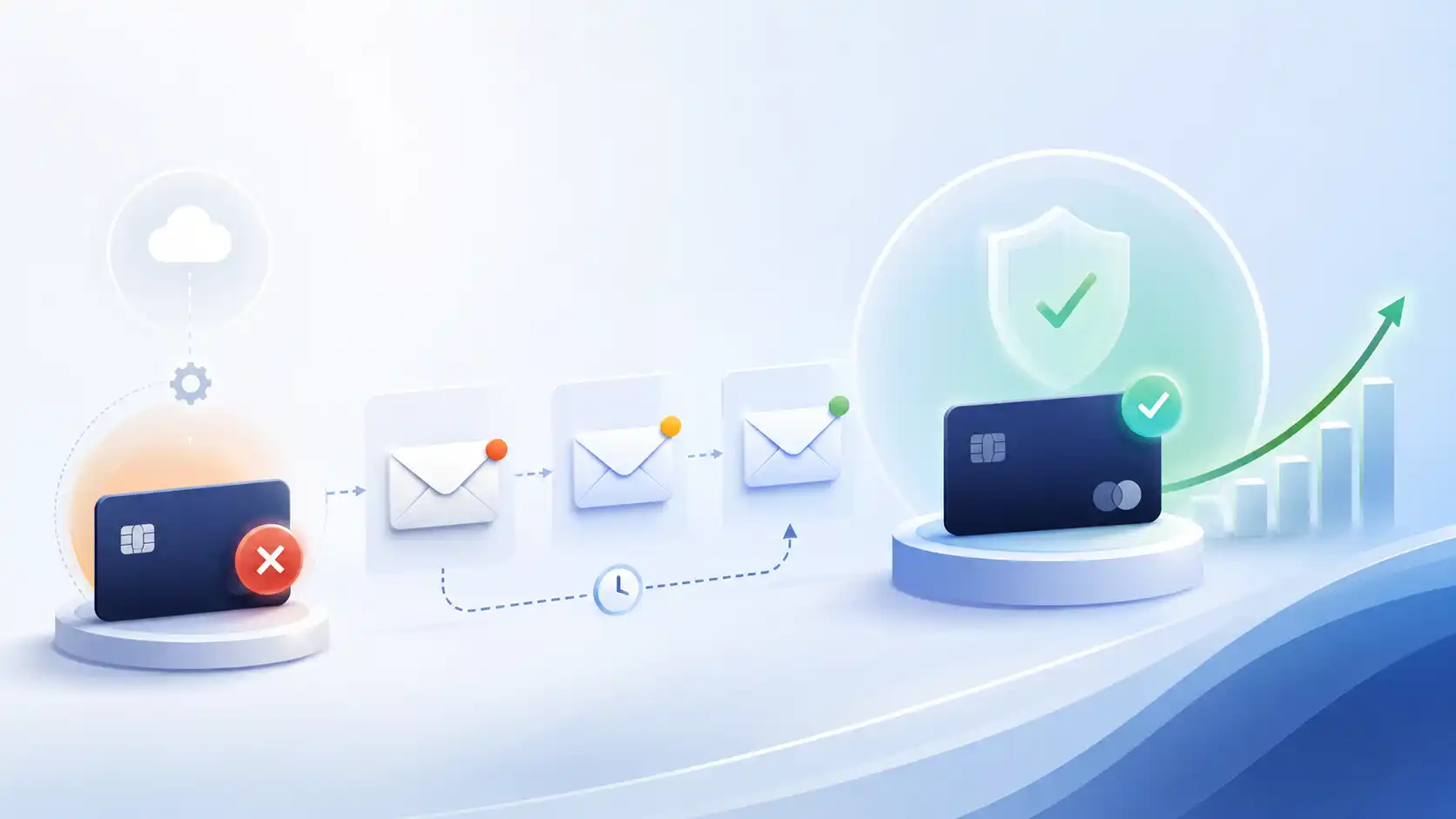
A dunning email is an automated message sent to a subscriber after a payment fails, asking them to update their billing information or take action to recover the charge. For SaaS companies, these emails are the primary tool for fighting involuntary churn: the revenue lost not because customers chose to leave, but because a card was declined.
Recurly’s research on failed payment recovery puts the scale in concrete terms: involuntary churn “accounts for an estimated 20%-40% of total churn across subscription businesses,” and failed subscription payments are expected to cost businesses $129 billion in lost revenue in 2025. Churnkey’s State of Retention 2025, covering over $3 billion in subscription revenue, found that “involuntary churn can easily comprise 40% of your churn, if not more,” and that dunning email and SMS campaigns achieved “an average recovery rate of 42%.” That is a large share of preventable revenue loss with a direct, operational fix.
This guide covers how to build the sequence: what each email should say, how retry logic differs between soft and hard declines, how to wire it to Stripe’s invoice.payment_failed webhook, and what copy patterns work.
Soft Declines vs. Hard Declines: Why the Retry Strategy Differs
Not all payment failures are equal. The type of decline determines whether retrying makes sense at all.
A soft decline means the card and account are valid, but the transaction failed for a temporary reason: insufficient funds, a daily spending limit hit, a network error, or a fraud flag that cleared. The customer’s card will work again once the condition resolves. These are recoverable with retries.
A hard decline means the payment method itself is no longer valid: the card was cancelled or reported stolen, the account was closed, or the issuing bank permanently rejected the charge. Retrying a hard-declined card does not recover the payment. It can also accumulate additional decline signals that damage your payment processor reputation. Hard declines require customer action, not retries.
| Decline type | Examples | Can you retry? | What to do |
|---|---|---|---|
| Soft | Insufficient funds, spending limit, network error | Yes, with delays | Retry 3-4 times over 7-14 days |
| Hard | Card cancelled, account closed, fraud block | No | Email immediately; require customer to update card |
In practice, a well-configured billing platform or Stripe’s Smart Retries will handle most of this distinction for you. Stripe’s Smart Retries documentation describes the feature as using “time-dependent, dynamic signals” including cardholder device activity and optimal payment timing to schedule retries. What you need to ensure is that your dunning email sequence does not keep sending “retry in progress” messages when the underlying failure is a hard decline: those should escalate to a direct card-update request on day one.
The Dunning Sequence: Retry Schedule and Email Cadence
The goal of a dunning sequence is to recover the payment before the subscription lapses, ideally without the customer ever needing to contact support. Recurly’s data shows that “90% of recovered transactions occur within the first 10 days of a failed payment, meaning the quality of decisions made early in the retry window determines the majority of recovery outcomes.” Front-loading both retries and emails is more effective than a slow drip. The same data shows that optimized retry strategies improved failed payment recovery rates from approximately 53% to 71%, underscoring why timing and retry logic matter as much as the emails themselves.
A standard four-email sequence over 14 days:
| Day | Action | Email focus |
|---|---|---|
| 0 (failure) | First retry attempt; send Email 1 | Friendly notice; direct card-update link |
| 3 | Second retry attempt; send Email 2 | Polite follow-up; name what will expire |
| 7 | Third retry attempt; send Email 3 | Urgency; service access is at risk |
| 10-12 | Final retry; send Email 4 | Final notice before cancellation |
| 14+ | No more retries | Route to manual review or cancel |
A few implementation notes:
- Exit the sequence immediately when payment succeeds. Continuing to send dunning emails after a charge clears is one of the most visible automation hygiene failures.
- Use a real sender address, not
[email protected]. Billing issues generate replies. Customers who cannot reach anyone are more likely to dispute the charge or cancel. - Include a direct hosted payment URL in every email. Stripe’s
invoice.payment_failedwebhook provides ahosted_invoice_urlon the invoice object. Use the URL from the most recent webhook event (not the initial failure) to ensure it is not expired.
Dunning Email Copy: Tone, Structure, and What to Avoid
The tone for dunning email is calm and helpful. The customer’s card failed; they likely do not know why. Guilt, urgency overload, or phrasing like “your account is delinquent” creates anxiety that prompts cancellation rather than card updates.
Each email has one job: get the customer to click the payment update link. Every other element is secondary to that CTA.
What works:
- A specific subject line that names the problem (“Your payment didn’t go through” or “Action needed: update your payment method”)
- One sentence explaining what happened, in plain language
- A prominent button linking directly to the billing portal or payment update page
- A brief line noting what service access is at risk, or when the account will be suspended, as a factual statement rather than a threat
- Contact information or a reply-to address for customers with billing questions
What to avoid:
- Subject lines that obscure the purpose (“We need to chat” or “Quick question”)
- Multiple CTAs in the same email (a “review your account” link alongside the “update payment” button splits attention)
- Long explanations of why cards fail (the customer does not need this; they need a link)
- Aggressive escalation language in early emails; save urgency framing for Email 3 and Email 4
Three Illustrative Dunning Email Templates
These are example templates. Adapt subject lines, sender names, and copy to match your product and brand voice.
Email 1 (Day 0): First notice
Subject: Your payment didn’t go through
Hi [First Name],
We tried to charge [Amount] to the card ending in [Last 4] on [Date] but the payment was declined.
[Update your payment method →]
If you have any questions about your billing, just reply to this email.
[Your Name], [Company]
Email 2 (Day 3): Follow-up
Subject: Still having trouble with your payment
Hi [First Name],
We tried your card again but the charge hasn’t gone through yet. Your [Plan Name] subscription is still active, but we’ll need updated billing information to keep it running.
[Update payment method →]
Email 3 (Day 7): Urgency
Subject: Your [Plan Name] subscription will be paused soon
Hi [First Name],
We’ve tried your card a few times and haven’t been able to process the payment. Your subscription is at risk of being paused in [X days].
To keep your access to [Key Feature], update your billing information now:
[Update payment method →]
If you’d rather talk through your options, reply here.
Email 4 (Day 12): Final notice
Subject: Final notice: [Plan Name] subscription cancellation
Hi [First Name],
This is a final notice before we cancel your [Plan Name] subscription. We haven’t been able to process your payment of [Amount].
If you want to keep your account, update your card before [Date]:
[Update payment method →]
After that date, your data will remain intact for [X days] before being removed.
Keep the copy short. The customer knows what to do; the only question is whether the link is easy enough to click right now.
Wiring Dunning to Stripe Webhooks
For teams using Stripe Billing, the invoice.payment_failed event is the trigger for your dunning sequence. Stripe fires this event on every failed attempt, including retries, so your handler needs to be idempotent: deduplicate by invoice ID and send each dunning email only once per sequence stage, not once per webhook event.
The key fields on the webhook payload:
invoice.id: Your deduplication key. Store the invoice ID against each email stage already sent.invoice.attempt_count: The number of collection attempts made so far. Use this to determine which email in the sequence to send.invoice.hosted_invoice_url: The direct URL for the customer to view and pay the invoice. Pull this from the latest event, not from a cached earlier value.invoice.next_payment_attempt: The Unix timestamp of the next scheduled retry. Stripe documentation notes this is now set oninvoice.updatedrather thaninvoice.payment_failedfor Automations users.
A minimal flow:
- Stripe fires
invoice.payment_failed. - Your webhook endpoint receives the event, extracts the invoice ID and
attempt_count. - Check whether you’ve already sent an email for this invoice at this stage. If yes, skip.
- Look up the customer and their subscription in your database.
- Render and send the appropriate dunning email with the
hosted_invoice_url. - Log the send against the invoice ID and stage.
Stripe’s Smart Retries (the recommended default) will schedule its own retry timing. As Stripe’s documentation states: “The recommended default setting is 8 tries within 2 weeks.” Your email cadence should align with that window rather than firing emails on every individual retry event.
For the deliverability side, dunning emails are lifecycle messages, not transactional email. Route them through your marketing infrastructure with proper authentication. For an overview of what transactional email is and how it differs from lifecycle flows, that distinction matters when choosing which sending stream to use. If you need to review email automation flows for SaaS, the retention section there covers how dunning fits into the broader churn-prevention workflow.
Deliverability for Dunning Emails
Dunning emails must reach the inbox. A failed-payment notice that lands in spam is as damaging as no email at all: the subscription lapses and the customer never knew they could fix it.
Because dunning emails carry urgency and contain account-specific data, they can trigger spam filters if not sent carefully. The key requirements:
- Authenticate your sending domain with SPF, DKIM, and DMARC. This is mandatory for Google and Yahoo senders above 5,000 messages per day and strongly recommended for everyone. For a step-by-step setup, see why emails go to spam and how to fix it.
- Send from a real mailbox, not a no-reply address. Replies are expected on billing emails; a no-reply address signals that replies are being discarded, which damages trust and can increase spam complaints.
- Keep the sending volume consistent. A sudden spike in dunning volume (for example, at the end of a billing cycle) can look unusual to inbox providers. Spread sends using a short delivery window rather than firing all emails simultaneously.
- Suppress hard bounces and spam complaints immediately. Continuing to mail undeliverable addresses degrades sender reputation for all your outgoing mail.
For choosing a transactional email service, the same deliverability criteria apply to the lifecycle sending infrastructure you use for dunning.
Frequently Asked Questions
What is a dunning email?
A dunning email is an automated message sent to a subscriber after a recurring payment fails, asking them to update their billing information or take action to resolve the failed charge. The word “dunning” comes from the historical practice of sending demand letters to customers who owed money. In modern SaaS, dunning refers specifically to the automated sequence of emails and payment retries used to recover failed subscription charges before the account lapses.
How many dunning emails should you send?
Most SaaS billing practitioners use 3 to 5 dunning emails spread across a 7 to 14-day window. A four-email sequence at Day 0, Day 3, Day 7, and Day 12 is a common baseline. Recurly’s data shows that 90% of recovered transactions occur within the first 10 days of a failed payment, so concentrating both retries and emails in that early window produces better recovery outcomes than a slow drip over 30 days.
What is the difference between a soft decline and a hard decline?
A soft decline means the card is valid but the transaction failed for a temporary reason such as insufficient funds, a spending limit, or a network issue. Retrying after a delay can succeed. A hard decline means the payment method is no longer valid: the card was cancelled, the account was closed, or the bank permanently rejected the charge. Retrying a hard decline will not recover the payment and should be avoided. Hard declines require the customer to provide new billing information.
Does dunning hurt email deliverability?
Not inherently, if the emails are sent correctly. Dunning emails should go through an authenticated sending domain (SPF, DKIM, DMARC in place), from a real mailbox address that accepts replies, with consistent volume and active suppression of bounces and complaints. The risk to deliverability comes from poor sending hygiene: no-reply addresses that accumulate spam complaints, continuing to send to bounced addresses, or sudden volume spikes at month-end billing runs.
What is the difference between a dunning email and a payment reminder?
A payment reminder is sent before a charge attempt, typically to warn a customer that their card is about to expire or that an invoice is coming due. A dunning email is sent after a charge has already failed. Payment reminders are proactive; dunning emails are reactive. For SaaS subscriptions, running both in parallel (pre-expiry card-update reminders plus a post-failure dunning sequence) produces higher overall recovery rates than either approach alone.
How does Stripe handle failed payment retries?
Stripe’s Smart Retries feature uses machine learning to schedule retry attempts at times likely to succeed, based on signals such as cardholder device activity and historical payment timing. The default setting is 8 retry attempts within a 2-week window. Stripe fires an invoice.payment_failed webhook on each failed attempt, including retries. Your dunning email handler should deduplicate by invoice ID and send each email in the sequence only once, not once per retry event.
What recovery rate can dunning emails achieve?
Recovery rates vary by implementation. Churnkey’s State of Retention 2025, analyzing over $3 billion in subscription revenue, found that dunning email and SMS campaigns achieved an average recovery rate of 42%. The same report found that “70% of all involuntary churn we detected was recovered” when combining email campaigns with intelligent card retry technology. The gap between those figures shows that email alone is a strong lever, but pairing it with optimized payment retries recovers significantly more revenue.
Sources
- Recurly, “Failed Payment Recovery: What the Data Shows”
- Recurly, “6 Data-Based Strategies for Fighting Involuntary Churn”
- Churnkey, State of Retention 2025
- Stripe, “Automate payment retries (Smart Retries)”
- Stripe, “Using webhooks with subscriptions”

I’ve spent my career building software at scale with a soft spot for email: deliverability, lifecycle campaigns, and getting messages to actually land. I started Coldletter to fix what bugged me about transactional and marketing email tools. I’m based in Vancouver.