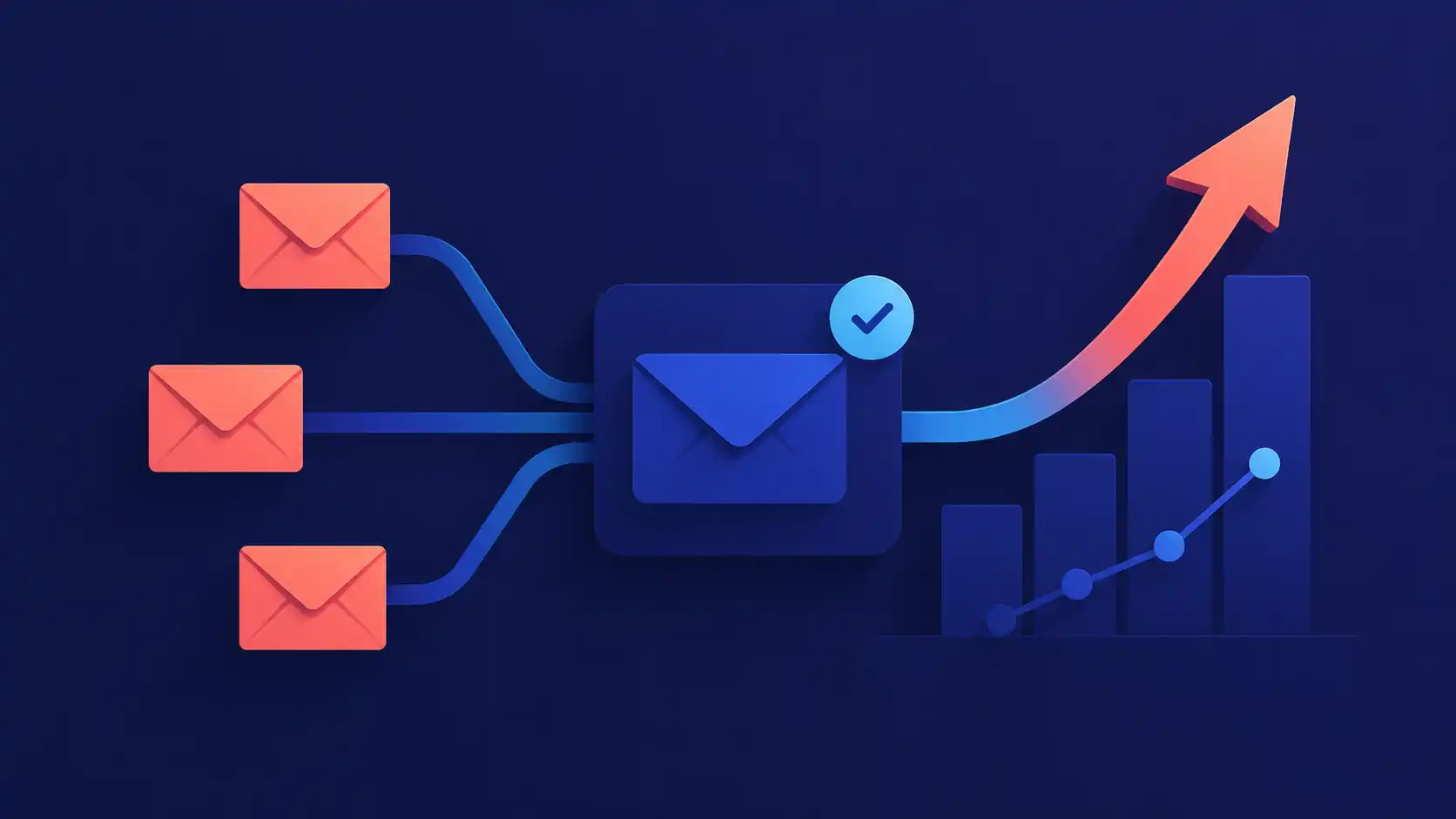
Email marketing for SaaS is not a single channel. It is three distinct disciplines: lifecycle email, cold outbound, and transactional email. Each requires its own tooling, compliance requirements, and success metrics. According to Litmus, email drives an ROI of $36 for every dollar spent across industries, but that return depends on using the right strategy for each channel and keeping your infrastructure clean enough to reach the inbox.
Three Email Channels SaaS Teams Actually Need
Most SaaS companies need all three channels below, but many conflate them into a single sending domain or platform. That is both a deliverability mistake and a strategy mistake.
| Channel | What You Need | When to Use It |
|---|---|---|
| Lifecycle / marketing | ESP with segmentation, automation, and behavioral triggers | You have an opted-in user base and want to drive activation, expansion, and retention |
| Cold outbound | Dedicated cold email tool with warm-up, personalization at scale, inbox rotation, and sequence management | You are running outbound sales or growth campaigns to prospects who have not opted in |
| Transactional | Developer-focused transactional API (Postmark, SES, SendGrid transactional tier) | You need reliable, immediate delivery of system-triggered emails |
There is no single platform that does all three jobs well. Teams that run cold prospecting through a marketing ESP, or that route transactional emails through the same domain as lifecycle campaigns, create deliverability problems that compound over time. For a full breakdown of which tools to use at each growth stage, see building your email marketing stack.
Lifecycle Email: Where SaaS Retention Is Won or Lost
The onboarding sequence is the highest-leverage email program most SaaS companies have. Users who do not reach a meaningful activation milestone in the first 7 to 14 days are far more likely to churn before the end of their first month. A structured onboarding flow gives you a reliable way to close that gap.
A baseline onboarding sequence for SaaS looks like this:
- Welcome (sent immediately on signup): Confirm the account, set expectations, and surface the single most important first action the user should take. One CTA only.
- Activation nudge (Day 2–3): If the user has not completed the key setup step, send a short, direct prompt. Link to a specific help article or a 90-second walkthrough video, not a generic knowledge base.
- Feature highlight (Day 5–7): Introduce one high-value feature tied to what the user has already done. Behavioral segmentation makes this significantly more effective than a generic feature announcement.
- Check-in (Day 14): Acknowledge what the user has accomplished. If they have not activated, this is your last automated opportunity to surface live support or a concierge onboarding call.
- Expansion prompt (Day 21–30): For activated users, introduce an upgrade path or premium feature with a concrete use case and a measurable outcome.
Every email in this sequence should have a single call to action, a behavioral trigger that pauses the sequence if the user has already completed the intended action, and a measurable downstream metric tied to it (not just an open rate). For a deeper look at sequencing decisions, see SaaS lifecycle email sequences; for how to build the triggered flows themselves, see email automation for SaaS.
Cold Outreach Is a Different Discipline, Not a Feature of Your ESP
Cold outbound email (prospecting sequences sent to people who have not interacted with your product) is not something your marketing ESP was built for. Running cold outreach through the same domain and platform as your product lifecycle emails is one of the most common deliverability mistakes SaaS teams make.
Cold prospecting generates higher complaint rates and bounce rates than opted-in email. When those signals hit a domain that also carries your password reset and trial activation emails, you risk degrading inbox placement across your entire email program.
Here is what a specific, personalized cold sequence looks like in practice:
Email 1 (Day 1) Subject: Quick question about [Company]’s outbound stack Opening: Noticed you’re scaling your sales team. Most teams at your stage hit a wall when cold reply rates drop below 3%. We built Coldletter to fix exactly that. CTA: Worth a 15-minute call this week?
Email 2 (Day 4, if no reply) Subject: Re: Quick question Opening: Sending this as a follow-up. Happy to share a breakdown of what inbox rotation and sequence personalization changed for teams like yours. CTA: [Link to a specific case study or results page]
Email 3 (Day 9, breakup) Subject: Closing the loop Opening: I’ll stop following up after this one. If outbound deliverability ever becomes a priority, we’re here. CTA: None required. This one just keeps the door open.
The key signals that make this sequence work: a specific reference to the recipient’s context, a concrete problem statement in the opening line, and a single low-friction CTA in each email. Coldletter is purpose-built for this type of sequence, managing inbox rotation, domain warm-up, and personalization at scale without putting your product email reputation at risk.
Transactional Email: A Separate Infrastructure Problem
Transactional email (password resets, receipts, usage alerts, and system notifications) is the third discipline that most SaaS teams underinvest in until something breaks.
These emails must arrive reliably and immediately. A password reset that takes three minutes to land, or a payment receipt that routes to spam, is a product experience failure, not just an email problem.
The setup requirements are straightforward:
- Use a dedicated transactional service. Postmark, SendGrid’s transactional tier, and AWS SES are purpose-built for this. They prioritize delivery speed and reliability over marketing features.
- Send from a separate subdomain. Route transactional email through something like
send.yourapp.com, not the same subdomain used for lifecycle or cold outbound. Isolation prevents a deliverability issue in one channel from contaminating the others. - Expect near-instant delivery. Transactional services optimize for latency. If your provider regularly takes more than 30 seconds for critical emails, evaluate alternatives.
- Set up monitoring. Transactional email failures are silent unless you instrument them. Track delivery rates and bounce rates separately from your marketing sends.
For a full breakdown of transactional email options, see what is transactional email and the best transactional email services.
Deliverability: The Foundation Everything Else Depends On
None of the above matters if your emails are landing in spam. Deliverability is not a one-time configuration. It is an ongoing operational discipline.
Starting in February 2024, Google began enforcing new requirements for senders sending more than 5,000 emails per day to Gmail accounts. Those requirements include SPF and DKIM authentication, a DMARC policy (at minimum p=none), and one-click unsubscribe support in the List-Unsubscribe header. Failing to meet these requirements results in deliveries being deferred or rejected.
Here is what each authentication record does:
- SPF (Sender Policy Framework): A DNS TXT record that declares which mail servers are authorized to send email on behalf of your domain. Prevents spoofing at the envelope level.
- DKIM (DomainKeys Identified Mail): Adds a cryptographic signature to outgoing messages that receiving servers verify. Proves the message was not tampered with in transit.
- DMARC (Domain-based Message Authentication, Reporting & Conformance): Ties SPF and DKIM together and tells receiving servers what to do with messages that fail:
none(monitor),quarantine(spam folder), orreject(block).
For a step-by-step setup guide, see how to set up DMARC.
The practical controls that protect deliverability regardless of volume:
- Domain warm-up: New sending domains need a gradual volume ramp over 4 to 6 weeks. Starting at full volume immediately signals spam behavior to receiving servers.
- Separate subdomains by channel: Use distinct subdomains for lifecycle, cold outbound, and transactional email. A deliverability issue in your cold outreach campaign should never contaminate your product emails.
- List hygiene: Remove hard bounces immediately. Suppress unengaged contacts before they report your mail as spam, not after.
- Spam complaint rate: Google’s threshold is 0.3%. Best practice is below 0.08%. Sustained complaint rates above that threshold degrade inbox placement over time.
The One Metric SaaS Teams Should Optimize First
Open rate is the metric most teams watch, but it is a weak proxy for email program health, especially since Apple’s Mail Privacy Protection inflates open rate figures for a significant portion of most B2B audiences.
The metric worth optimizing first is activation rate from the onboarding sequence: what percentage of users who received your onboarding emails completed the key activation step within 14 days? That number connects directly to trial conversion and 30-day retention, and it tells you whether your email content is actually driving behavior or just getting opened.
For cold outreach, the equivalent metric is reply rate, not open rate. A 40% open rate on cold email that generates a 1% reply rate is underperforming. A 28% open rate that generates a 6% reply rate is a working sequence.
FAQ
What is the difference between a marketing ESP and a cold email tool?
A marketing ESP (like Mailchimp, ActiveCampaign, or HubSpot) is designed for opted-in audiences: users, subscribers, and trial accounts. Cold email tools are designed for outbound prospecting to people who have not yet heard from you. They handle inbox rotation, domain warm-up, and the deliverability controls that cold outreach requires. Using a marketing ESP for cold prospecting risks your product domain’s sender reputation.
How long should a SaaS onboarding email sequence be?
A 4 to 6 email sequence over 21 to 30 days covers most SaaS onboarding scenarios. The right length depends on your product’s complexity and your activation milestone. The sequence should end (not loop) once the user has activated, to avoid training them to ignore your emails.
Do SPF, DKIM, and DMARC matter if I send fewer than 5,000 emails per day?
Yes. Google’s February 2024 requirements mandate SPF or DKIM authentication for all senders, regardless of volume. DMARC at p=none is required for bulk senders, but configuring it at any volume protects your domain from spoofing and prepares you for scale.
What should I use as the “from” name on SaaS product emails?
A person’s name (founder, account manager, or a named team member) consistently outperforms a brand name for onboarding and nurture emails. The goal is an email that reads like it was written by a person, not sent by a platform.
How do I know if my cold email sequence is working?
Track reply rate, positive reply rate (interested vs. unsubscribes and objections), and meeting booked rate. If your reply rate is below 3%, the problem is usually the subject line or opening line. If your reply rate is above 3% but meeting booked rate is low, the problem is your CTA or the offer itself.
What is transactional email and how is it different from marketing email?
Transactional email is triggered by a specific user action (a password reset, receipt, or system alert) and must arrive immediately. Marketing email (lifecycle, promotional, cold outreach) is sent in bulk or by scheduled automation. They require different infrastructure: transactional email needs a dedicated service optimized for speed and reliability, while marketing email needs an ESP with segmentation and automation features.

I’ve spent my career building software at scale with a soft spot for email: deliverability, lifecycle campaigns, and getting messages to actually land. I started Coldletter to fix what bugged me about transactional and marketing email tools. I’m based in Vancouver.