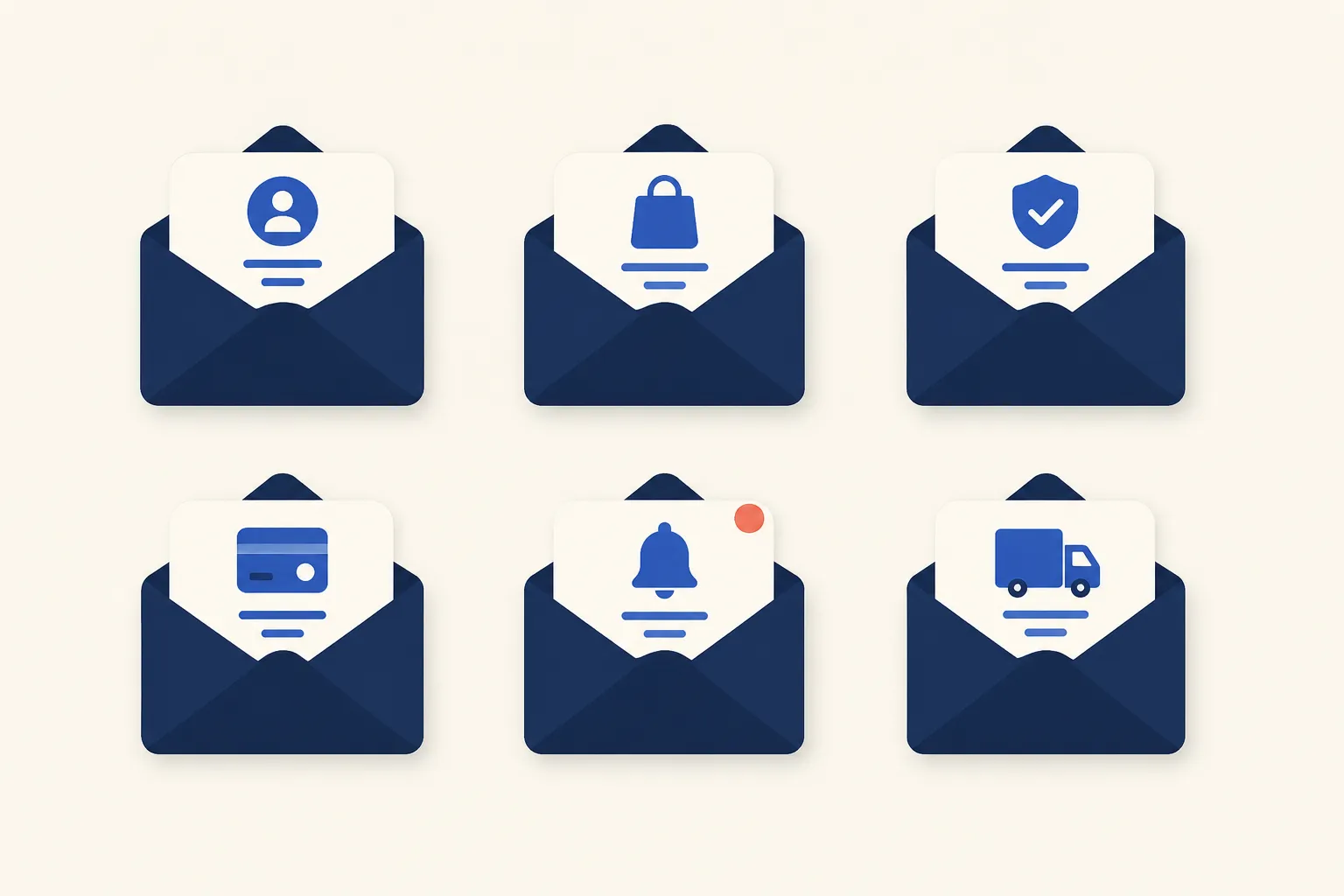
A transactional email is a one-to-one, automated message triggered by something a specific user did or something that happened to their account, not a promotional send to a list. Signing up, resetting a password, completing a checkout, or having a card decline all fire a transactional email rather than a marketing campaign. Twilio SendGrid’s guide to transactional email frames the standard well: automation should get these messages into an inbox “within seconds of their completed action.”
This guide catalogs the 11 transactional email types a typical SaaS product ends up sending: welcome and verification, password reset, one-time passcodes, magic links, order and shipping confirmations, receipts, invoices, dunning notices, account security alerts, and activity notifications. The table below is a quick reference; the sections after it cover what each type needs to include, with a short example and a link to a deeper guide where one exists. For the broader distinction, see Transactional vs Marketing Email and What Is Transactional Email?
Transactional Email Types at a Glance
| Email Type | Triggered By | Primary Goal | Typical CTA |
|---|---|---|---|
| Welcome / verification | New signup | Confirm account, verify email | Verify email / get started |
| Password reset | User requests reset | Restore access securely | Reset password |
| One-time passcode (OTP) | Login or verification step | Confirm identity for one action | Enter code in app |
| Magic link | Login attempt | Passwordless authentication | Click to log in |
| Order confirmation | Completed purchase | Confirm order details | View order |
| Shipping notification | Order ships | Set delivery expectations | Track package |
| Receipt | Payment completed | Prove payment occurred | Download receipt |
| Invoice | Payment due or renewal | Request or itemize payment | Pay invoice |
| Dunning | Recurring payment fails | Recover a failed charge | Update payment method |
| Account / security alert | New device login, credential change | Flag account activity | Secure my account |
| Comment / mention notification | Someone comments, replies, or mentions | Drive re-engagement | View comment |
Where Transactional Email Fits Among Trigger and Marketing Email
Transactional email is a subset of the broader trigger email category: any message an event fires automatically, rather than a scheduled broadcast. Onboarding nudges, re-engagement sends, and win-back campaigns are also trigger emails, but they aren’t transactional, since they aren’t the direct, expected response to one specific action (see Trigger Emails: Types and How to Send Them for the wider category). The 11 types below are the ones tied to a specific action or system event a user is actively expecting, which is what makes them transactional.
The 11 Transactional Email Types
Welcome and Account Verification Email
A welcome email fires the moment someone signs up, confirming the account was created and often carrying a verification link or code to confirm the email address is real. Include a clear confirmation the signup worked, the verification action if the account requires one, and a single next step toward activation. Example: “Confirm your email to activate your account,” with one verify button and no competing links. See Welcome Emails: Examples, Timing, and What to Send for send timing and full sequence design.
Password Reset Email
Fired when a user requests a reset, this email carries a single-use, time-limited link (or code) to set a new password. Include the reset link or code, an expiration window, the account or email address it applies to, and a note to ignore the email if the user didn’t request it. Example: “Reset your password,” with one button and a line noting the link expires soon. See Password Reset Email: Best Practices, Flow, and a Template That Converts for the full flow and security considerations.
One-Time Passcode (OTP) Email
An OTP email sends a short numeric or alphanumeric code the user enters back into the app to confirm an action, most often signup verification, a sensitive account change, or a two-factor login step. Include the code itself (large and easy to copy), an expiration window, and the specific action it authorizes. One caveat worth knowing: NIST’s Digital Identity Guidelines state that email “SHALL NOT be used for out-of-band authentication” as a login MFA factor, since an attacker who has already compromised an inbox can intercept the code. The same guidance carves out an exception for “confirmation codes that are sent to validate email addresses or are issued as recovery codes,” which is exactly what most OTP-by-email use cases already are. See Email OTP: How One-Time Passcodes Over Email Work for the full mechanics and when SMS or an authenticator app is the better call.
Magic Link (Passwordless Login) Email
A magic link email replaces a password with a single clickable URL that logs the user in directly. FusionAuth describes the mechanic simply: “a magic link is a URL with an embedded unique token.” The backend generates the token, emails it, and validates it when clicked, then invalidates it so it can’t be reused, since “each link expires after use or after a set period, whichever happens first.” Include a single obvious login button and a note on how long the link stays valid. Example: “Log in to your account,” with one button and nothing else competing for the click. See Magic Link Emails: How Passwordless Login Works for implementation details.
Order Confirmation Email
Sent the moment a purchase completes, this email reassures the buyer their payment went through and the order is being processed. Include the order number, an itemized purchase summary, the total charged, and an estimated fulfillment or delivery window. Example: “Order #48213 confirmed,” with a line-item summary and a link to order status.
Shipping and Delivery Notification Email
Fired when an order ships, and often again on delivery, this email sets expectations for when the item will arrive. Include the carrier and tracking number, the expected delivery date, and a tracking link. Example: “Your order is on the way,” with a tracking button and an estimated arrival date.
Receipt Email
A receipt confirms a payment already happened. Stripe’s distinction is useful here: “A receipt is a document issued after payment is made… sent to the buyer as proof of payment.” Include the amount charged, the payment method (last four digits), the date, and a downloadable copy for the buyer’s records. Example: “Payment received: $49.00,” with a receipt link or PDF attached. See Receipt Emails: What to Include, Best Practices, and a Template for a full template.
Invoice Email
An invoice requests payment rather than confirming it. The same Stripe explainer puts the timing plainly: “an invoice is a document that a seller sends to a buyer as a formal request for payment for goods or services provided… issued before payment is made.” Include itemized charges, a due date, payment terms, and a direct pay link. Example: “Invoice #INV-1042 due June 30,” with a pay-now button. See Invoice Emails: What to Include, Best Practices, and a Template for formatting and content details.
Dunning (Failed Payment) Email
Dunning emails fire when a recurring charge fails, asking the customer to update billing before the subscription lapses. Include what failed (if known), a direct billing-update link, and what happens if the payment isn’t recovered in time. Most dunning programs run as a short sequence rather than a single email. See Dunning Emails: How to Recover Failed Payments and Reduce Churn for the full retry schedule and copy templates.
Account and Security Notification Email
These emails flag activity on the account itself rather than a transaction: a login from a new device, a password or email address change, or an API key rotation. Include what changed, when and roughly where it happened, and a way to secure the account if the user didn’t make the change. Example: “New sign-in to your account from a new device,” with a “Secure my account” link.
Comment and Mention Notification Email
Common in collaborative SaaS products, these emails fire when someone comments, replies, or mentions a user directly. Include who took the action, a preview of the comment or mention, and a direct link back to the relevant thread or item. Example: “Sarah mentioned you in Project Alpha,” with a comment preview and a “View comment” link. Keep these throttled or digestible: a flood of single-comment emails is a common source of opt-outs even on notifications this useful.
Frequently Asked Questions
What’s the difference between a transactional email and a marketing email?
A transactional email is triggered by something a specific user did (signup, purchase, password reset) and carries information they’re expecting. A marketing email is a scheduled or triggered broadcast promoting products or content to a list. The distinction matters for compliance and infrastructure: see Transactional vs Marketing Email for the full comparison.
Do transactional emails need a CAN-SPAM unsubscribe link?
No. Twilio SendGrid’s guide notes that “transactional emails don’t need to have unsubscribe links” the way marketing emails must under the CAN-SPAM Act, since they’re a direct response to the recipient’s own action rather than a promotional send. That said, giving users a way to manage preferences for lower-stakes types, like comment or mention alerts, is still good practice.
Is it safe to send login verification codes by email?
It depends on what the code is verifying. Per NIST’s Digital Identity Guidelines, email “SHALL NOT be used for out-of-band authentication” as a login MFA factor, because a compromised inbox lets an attacker intercept the code. Email OTP is fine for verifying an email address or issuing an account-recovery code; for actual login MFA, an authenticator app, SMS, or a hardware key is the safer choice.
Should I use a magic link or a one-time passcode for login?
Both replace a password with something delivered to the user’s email, but they trade off differently. A magic link is one click with no code to type, which is faster on the same device. An OTP works better when the login happens on a different device than the one checking email, since the user just reads the code and types it elsewhere. Many products offer both and let the user pick.
What’s the difference between a receipt and an invoice email?
Timing. Stripe explains it directly: an invoice is sent “before payment is made” as a request, while a receipt is “issued after payment is made” as proof the charge went through. If you’re asking someone to pay, send an invoice. If you’re confirming they already paid, send a receipt.
How fast should a transactional email be sent after the triggering event?
As close to immediate as the infrastructure allows. Twilio SendGrid recommends getting these messages out “within seconds of their completed action,” since the value of a transactional email, a working reset link, a confirmed order, depends on it arriving before the user’s context has moved on.

I’ve spent my career building software at scale with a soft spot for email: deliverability, lifecycle campaigns, and getting messages to actually land. I started Coldletter to fix what bugged me about transactional and marketing email tools. I’m based in Vancouver.