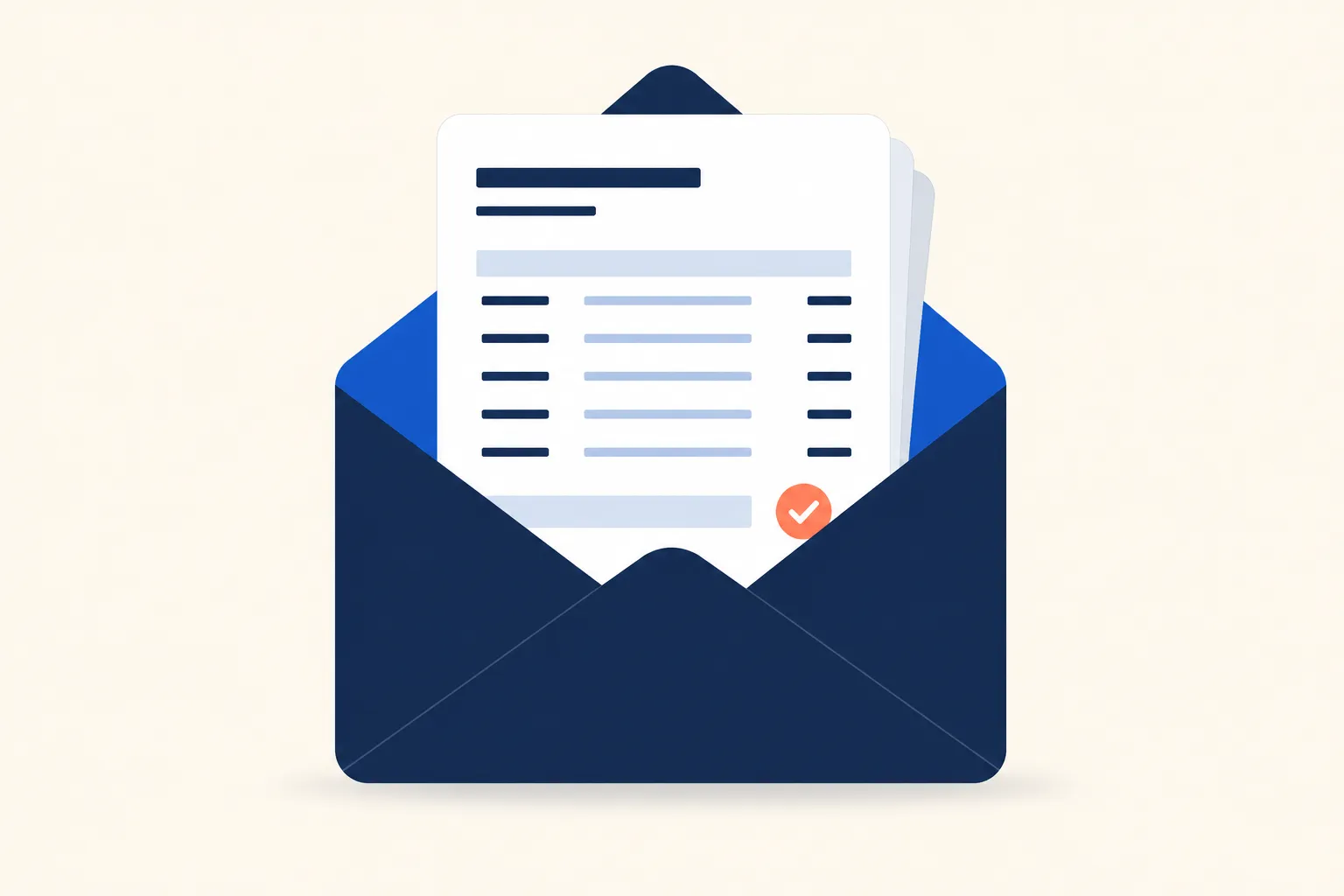
What a well-formed invoice email needs:
An invoice email is a transactional email: a one-to-one message triggered by a completed sale or service, sent to request payment rather than confirm one already made. That distinction matters for how you write and send it. Unlike a receipt email, which closes out a payment that already happened, an invoice email is asking for money, so it has to survive spam filters, get opened quickly, and make paying as close to one click as possible.
What Every Invoice Email Needs
A PDF or accounting-software invoice attached to an email is not the same thing as an invoice email. The email itself needs enough information that the recipient can decide to pay without opening the attachment first. Stripe’s guide to writing invoice emails is direct on this point: “summarise a few key details in the body of the email, such as the invoice number, invoice date, total amount due, and due date.”
| Element | Why it belongs in the email body |
|---|---|
| Invoice number | Lets accounts payable match the email to the PO or attachment and search for it later |
| Issue date and due date | Sets the payment clock without requiring the recipient to open the attachment |
| Itemized total | Confirms the amount at a glance and surfaces billing disputes before payment, not after |
| Payment link or instructions | Removes a step; Stripe recommends “instructions on how to pay and a payment link, if applicable, directly in the email” |
| Sender name matching your business | A generic noreply@ address reads as untrustworthy on a message asking for money |
Attach the invoice as a PDF for the recipient’s records, but don’t make it the only place these details live. Some accounts-payable systems parse the email body text to route the bill for approval, not the attachment, so the numbers need to be readable without opening anything.
Subject Lines and When to Send Reminders
Subject Line Format
Keep the subject mechanical, not creative. Stripe’s advice: “Include the invoice number, a brief description, and a due date to make it easier for the recipient to locate and process the invoice.” Length matters too, since “subject lines that are too long often get cut off, particularly on mobile devices.”
Two patterns that work:
- Invoice #4521 from [Company] – Due July 23
- [Company] Invoice #4521 (Net 30, due Aug 6)
Both lead with the word “Invoice,” include the number, and state the due date, so the email is scannable and searchable even without opening it.
The Reminder Sequence
Most unpaid invoices are not disputes. They are forgotten. A reminder before the due date catches that before it turns into a late payment, and the stakes are real: according to Intuit QuickBooks’ 2025 Small Business Late Payments Report, “over half (56%) of small businesses surveyed reported being owed money from unpaid invoices, averaging $17.5K per business,” and “47% of businesses reported a portion of their invoices were overdue by more than 30 days, with nearly 1 in 10 invoices falling into this category on average.”
| Timing | Purpose | Tone |
|---|---|---|
| 3-5 days before due date | Removes the “I never got it” excuse | Friendly, informational |
| On due date | Confirms payment is due today | Neutral reminder |
| ~1 week after | Flags the invoice as overdue, notes any late fee | Direct, still courteous |
| 2-4 weeks after | Signals the account needs attention | Firmer, asks for a specific response |
Bill.com’s payment reminder guide recommends sending the first nudge “roughly three to five days before the invoice is due,” then “a payment reminder on the official invoice due date” itself, with tone escalating gradually from there rather than jumping straight to a collections tone.
Each reminder in that sequence is itself a trigger email: it fires on a time-based condition (a number of days before or after the due date), not a user action, so it needs to run off a scheduled check your billing system runs daily rather than a one-off send.
Deliverability: Getting Paid Requires Getting Delivered
An invoice email that lands in spam does not get paid late. It gets paid never, until someone calls to ask where the bill is. Two things control whether it lands: how it is classified, and how it is sent.
Under the US CAN-SPAM Act, an invoice email usually qualifies as a “transactional or relationship” message, per the FTC’s CAN-SPAM compliance guide, exempt from most of the law’s marketing requirements (unsubscribe links, commercial header rules) as long as it does only what the guide allows, including a message that “facilitates, completes, or confirms a commercial transaction that the recipient already has agreed to” or “delivers goods or services as part of a transaction that the recipient already has agreed to.” That exemption breaks the moment the email stops being just an invoice: the same guide notes that once the “transactional or relationship content does not appear mainly at the beginning of the message,” it is treated as a commercial email instead, with the full unsubscribe and disclosure requirements that follow.
On the sending side, keep invoice traffic on the same dedicated transactional stream you use for other high-stakes messages like password reset emails, separate from any marketing or newsletter sending, and send from an address someone monitors, not a noreply@ inbox. Marketing sends accumulate spam complaints over time. If invoice traffic shares that sending reputation, it inherits the problem exactly when a customer’s ability to pay you depends on the message arriving.
Sending Invoice Emails from Your Own Application
If invoices come out of your own billing logic rather than a payment processor’s built-in emails, every send has a different line-item table and total, which is a template problem before it is a send problem. An email API with server-side templating handles that: the line items loop over a data array, the total is computed once, and the same template renders correctly whether the invoice has two line items or twenty. Coldletter’s API accepts that kind of structured data directly, so you are not hand-building HTML for every invoice that goes out.
A Copy-Paste Invoice Email Template
Subject: Invoice #[Number] from [Company] – Due [Date]
Hi [First name],
Thanks for working with us. Attached is invoice #[Number] for [brief description of the work or product], due [date].
Amount due: $[Total]
If the button above doesn’t work, use this link: https://pay.example.com/invoice/ID
Questions about this invoice? Reply to this email or reach us at [email protected].
[Company name]
A few notes on this template:
- The PDF is attached for the recipient’s records, not as the only source of truth. Every figure that matters is also in the email body.
- Reply-to goes to a monitored address, not noreply@, so a question about the invoice doesn’t disappear into an inbox nobody reads.
- One button, one link, no secondary CTA. An invoice email has one job.
Frequently Asked Questions
What should I include in an invoice email?
At minimum: the invoice number, issue date, due date, and total amount due stated in the email body, not just inside the attached PDF. Include a payment link or clear payment instructions, and send from an address someone actually monitors so a question about the bill doesn’t disappear into a noreply@ inbox.
What’s the best subject line for an invoice email?
Lead with the invoice number and due date rather than a generic subject like “Your Invoice.” A format like “Invoice #4521 from [Company] – Due July 23” lets the recipient’s accounts payable team search for and route the email without opening it, and keeps the critical detail visible even if the subject line gets truncated on mobile.
When should I send a payment reminder for an unpaid invoice?
Send a first reminder three to five days before the due date, a second on the due date itself, then follow-ups roughly one week and two to four weeks after the due date if payment still hasn’t arrived. Each reminder should stay factual (the amount, the invoice number, any late fee) rather than escalate in tone too quickly.
Is an invoice email considered a marketing email?
No. Under the US CAN-SPAM Act, an invoice email is usually a “transactional or relationship” message, exempt from the unsubscribe-link and commercial-header requirements that apply to marketing email. That exemption only holds if the message stays focused on the transaction; adding promotional content changes its classification under the FTC’s compliance guide.
Should invoice emails come from a no-reply address?
No. A noreply@ address on a message asking someone to pay you reads as untrustworthy and gives the recipient no way to ask a billing question without starting a new email thread. Send from an address your team actually monitors, ideally on a subdomain dedicated to transactional email rather than your marketing sending domain.
How do I send invoice emails automatically from my app?
Generate the invoice data (line items, total, due date) in your application, then pass it to an email API that renders an HTML template server-side rather than building the markup by hand for each invoice. This keeps the template consistent while the line-item count and totals change per customer, and lets you log and monitor delivery the same way you would for any other transactional send.

I’ve spent my career building software at scale with a soft spot for email: deliverability, lifecycle campaigns, and getting messages to actually land. I started Coldletter to fix what bugged me about transactional and marketing email tools. I’m based in Vancouver.