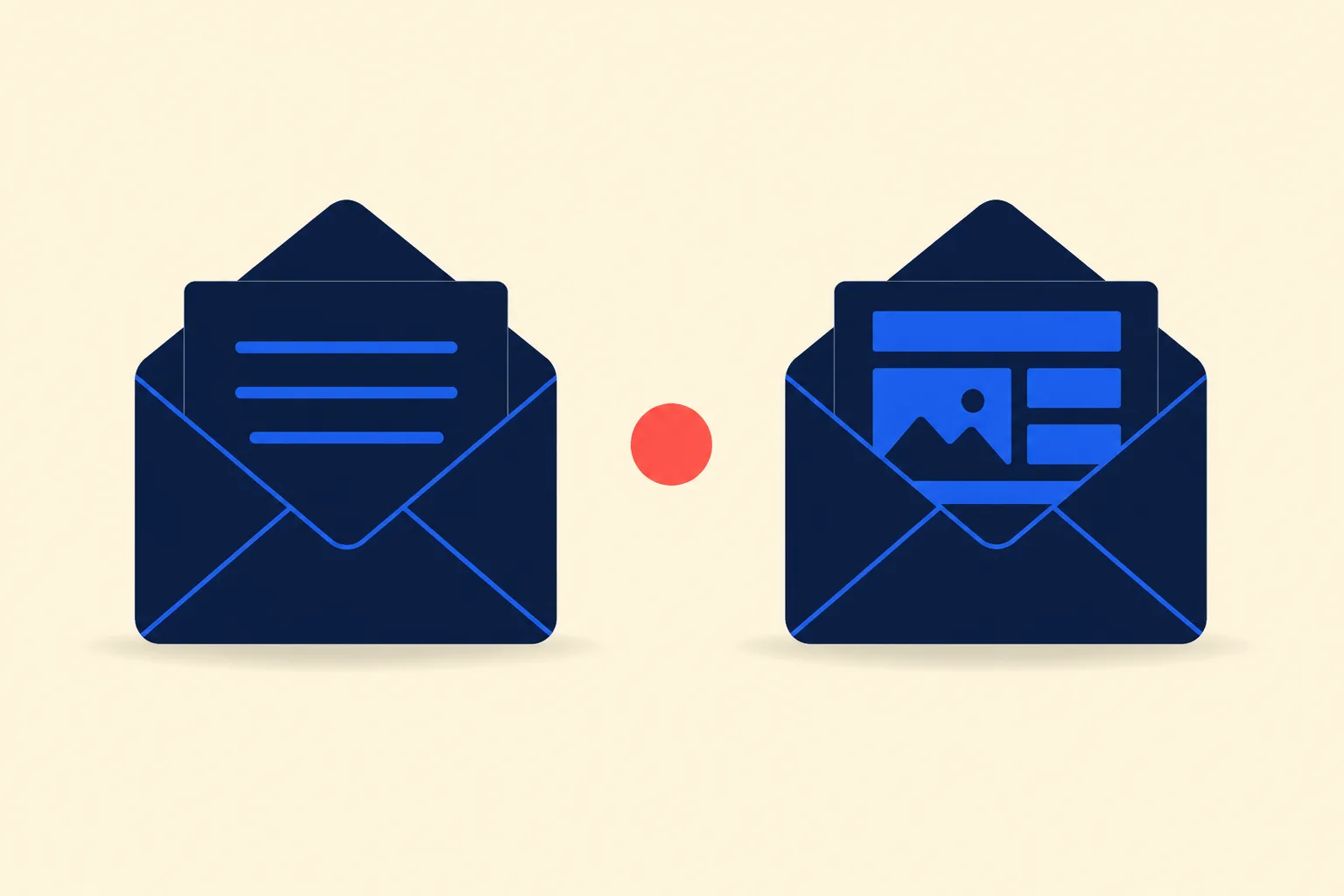
Plain text and HTML are two different message formats, not two different reputations with mailbox providers. Plain text suits 1:1 outreach, founder-style updates, and simple transactional notices, where the message needs to read as genuine correspondence rather than a template. HTML suits marketing campaigns, product announcements, and anything that needs a layout, tracked clicks, or brand consistency. The best practice for nearly every send is to include both in a single multipart/alternative message, so every client renders the version it can handle. Deliverability itself turns on domain authentication, list quality, and recipient engagement, not on which format you chose.
What Plain Text and HTML Email Actually Mean
A plain text email is a text/plain body: no markup, no styling, no images, just characters and line breaks. It renders identically everywhere, including terminal-based mail readers, screen readers, and smartwatches.
An HTML email is a text/html body with markup for layout, typography, color, and embedded or linked images. It can carry a logo, a call-to-action button, tracked links, and a responsive multi-column design, but every element has to survive rendering across dozens of client and device combinations.
A well-built email sends both at once. The RFC 2046 specification that defines multipart/alternative messages exists precisely so a single send can carry a plain fallback and a richer version without the sender picking one at send time. The receiving client picks whichever it can display.
The Deliverability Myth: Format Doesn’t Decide Inbox Placement
A persistent claim in email folklore is that plain text lands in the inbox more reliably than HTML. It doesn’t hold up against how mailbox providers actually filter mail. Google’s sender guidelines for Gmail require SPF and DKIM for every sender, plus DMARC and a spam rate held below 0.30% for anyone sending more than 5,000 messages a day. Format is not part of that requirement. The guidelines only note that HTML messages should follow valid markup standards, with no distinction that favors either format for inbox placement.
What actually moves a message to spam is missing authentication, a damaged sender reputation, low recipient engagement, or content patterns filters associate with junk mail (see the email deliverability best practices guide and why emails go to spam for the full list). An HTML email with clean authentication, an engaged list, and a reasonable text-to-image ratio reaches the inbox exactly as reliably as a plain text one. A plain text email from a domain with no SPF record, sent to a stale purchased list, still gets filtered.
Where format does matter is content scoring, not format itself: an HTML email that is almost entirely one large image with barely any surrounding text trips filters trained to flag that pattern, since it is a common tactic for evading text-based spam detection. That is a content-ratio problem, not a plain-text-versus-HTML problem, and it is fixed by keeping real text alongside any image, not by abandoning HTML.
When Plain Text Wins
Plain text is the better choice when the message needs to read as a real, individual communication rather than a broadcast.
- Cold outreach and 1:1 sales emails. A templated HTML layout signals “marketing send” to both the recipient and to filters trained on bulk-mail patterns. A plain message formatted like something a person would actually type reads as genuine correspondence.
- Founder or executive updates. Product announcements or investor updates sent from a named person land better in plain text; the format matches the voice.
- Simple transactional notices. A password reset confirmation or a one-line account alert rarely benefits from a logo and a colored button. Plain text renders it instantly, with nothing to break.
- Any message where a link-tracking pixel or wrapped URL would undercut trust. Some recipients, particularly technical ones, are more likely to click a plain, visible URL than a branded button wrapped in a redirect.
When HTML Wins
HTML earns its complexity when the message needs structure that plain text cannot express.
- Marketing campaigns and lifecycle sequences, where consistent branding across a series of sends builds recognition.
- Anything with a primary call to action you want to track. Click tracking, button styling, and visual hierarchy that draws the eye to one action all require markup.
- Multi-section content, such as a product update covering several features, a newsletter digest, or a receipt with itemized line items.
- Onboarding sequences where visual cues (checkmarks, progress indicators, screenshots) help a new user understand a product feature.
Litmus’s ongoing analysis of email opens finds that Apple Mail and Gmail together account for nearly 90% of all opens, and that dark mode is now used by over 25% of the total user base. Both are HTML-specific design considerations: an HTML template has to hold up in dark mode and on Apple’s rendering engine, or the branding it exists to deliver falls apart. See email design best practices for the layout and rendering choices that keep an HTML template intact across clients.
Always Send Both: The multipart/alternative Standard
The production-grade answer to “plain text or HTML” is usually neither exclusively. RFC 2046 specifies that a multipart/alternative message should place body parts “in increasing order of preference, that is, with the preferred format last,” meaning text/plain first and text/html last. Receiving clients display the last format they can handle, so modern clients render the HTML and anything that can’t (a terminal client, an older gateway, a screen reader in some configurations) falls back to the plain text part automatically.
Every major sending library and provider API supports this out of the box. The step-by-step setup, including a minimal Nodemailer example and the common mistakes that break the fallback, is in How to Send HTML Email the Right Way. The short version: write a real plain text version that stands on its own, not an auto-stripped copy of the HTML tags, and pass both fields on every send.
Accessibility and Image-Off Rendering
Plain text is accessible by construction. HTML email needs deliberate work to get there.
Screen readers can struggle with the table-based layouts that HTML email still relies on for cross-client compatibility. As Email on Acid explains, “when it comes to certain aspects of HTML in emails, screen readers get confused,” in part because tables are built for tabular data and a screen reader tries to announce them that way, row and column, unless the layout tables are explicitly marked as presentational. Alt text on every meaningful image is the other baseline requirement, since a screen reader has nothing else to describe an image by.
Image-off rendering is a related, separate problem. Litmus’s research on image blocking notes that Outlook’s desktop clients are still the biggest culprit for blocking images by default, while most other current clients display images automatically. Any HTML email needs to communicate its core message in the surrounding text alone, since a meaningful share of recipients will see it with images off whether or not they intended to.
Plain Text vs. HTML at a Glance
| Plain Text | HTML | |
|---|---|---|
| Rendering guarantee | Identical everywhere | Varies by client, needs testing |
| Branding and layout | None | Full control (with effort) |
| Click tracking | Not possible | Native |
| Best for | 1:1 outreach, personal updates, simple transactional | Marketing, lifecycle, multi-section content |
| Accessibility | Accessible by default | Requires alt text, semantic markup, presentation roles |
| Deliverability | No inherent advantage | No inherent disadvantage |
| Setup effort | Minimal | Higher, template + testing required |
A Simple Decision Framework
- Does the message need a layout, image, or tracked click? If no, plain text is simpler and just as deliverable.
- Is this a 1:1 message or does it read like one (cold outreach, a founder update)? Plain text matches the voice.
- Does branding consistency matter across a series of sends? Use HTML.
- Are you sending through code or an API rather than by hand? Set both
textandhtmlfields regardless of which one you consider primary; themultipart/alternativefallback costs nothing and protects the edge cases.
When in doubt, send both. The only real cost is writing a plain text version that reads well on its own, which takes a few extra minutes and closes the gap for every client, filter, and accessibility tool that can’t or won’t render the HTML part.
Frequently Asked Questions
Does plain text email actually get better deliverability than HTML?
No. Mailbox providers filter on authentication (SPF, DKIM, DMARC), sender reputation, recipient engagement, and content patterns, not on whether the message is plain text or HTML. Google’s sender guidelines make no distinction between the two formats for inbox placement.
Should cold outreach emails be plain text or HTML?
Plain text, in most cases. A templated HTML layout reads as a bulk send to both the recipient and to spam filters trained on marketing patterns. A plain message formatted like an individual email matches the 1:1 tone that cold outreach depends on.
What is multipart/alternative and why does it matter?
It is the MIME structure, defined in RFC 2046, that lets a single email carry both a plain text and an HTML version. The receiving client displays whichever version it can render, so you do not have to choose one format at send time. Every major sending library supports it.
Do I need to include a plain text version if I’m sending HTML email?
Yes. Some clients and gateways strip HTML entirely, screen readers rely on it in some configurations, and content filters treat HTML-only sends without a text alternative as a spam signal. See How to Send HTML Email the Right Way for the setup.
Is HTML email accessible to screen reader users?
Not automatically. Table-based layouts can confuse screen readers unless layout tables are marked as presentational, and every meaningful image needs alt text. Plain text is accessible by default with no extra work.
What happens if a recipient’s email client blocks images?
They see whatever surrounding text and alt text you included, and nothing else. Litmus’s image blocking research notes Outlook’s desktop clients still block images by default. Any HTML email needs to make its point in text alone, independent of whether images load.
Can transactional emails be plain text?
Yes, and for simple notices like password resets or one-line account alerts, plain text is often the better choice: it renders instantly with nothing to break. More complex transactional messages, like itemized receipts, usually benefit from HTML structure.

I’ve spent my career building software at scale with a soft spot for email: deliverability, lifecycle campaigns, and getting messages to actually land. I started Coldletter to fix what bugged me about transactional and marketing email tools. I’m based in Vancouver.