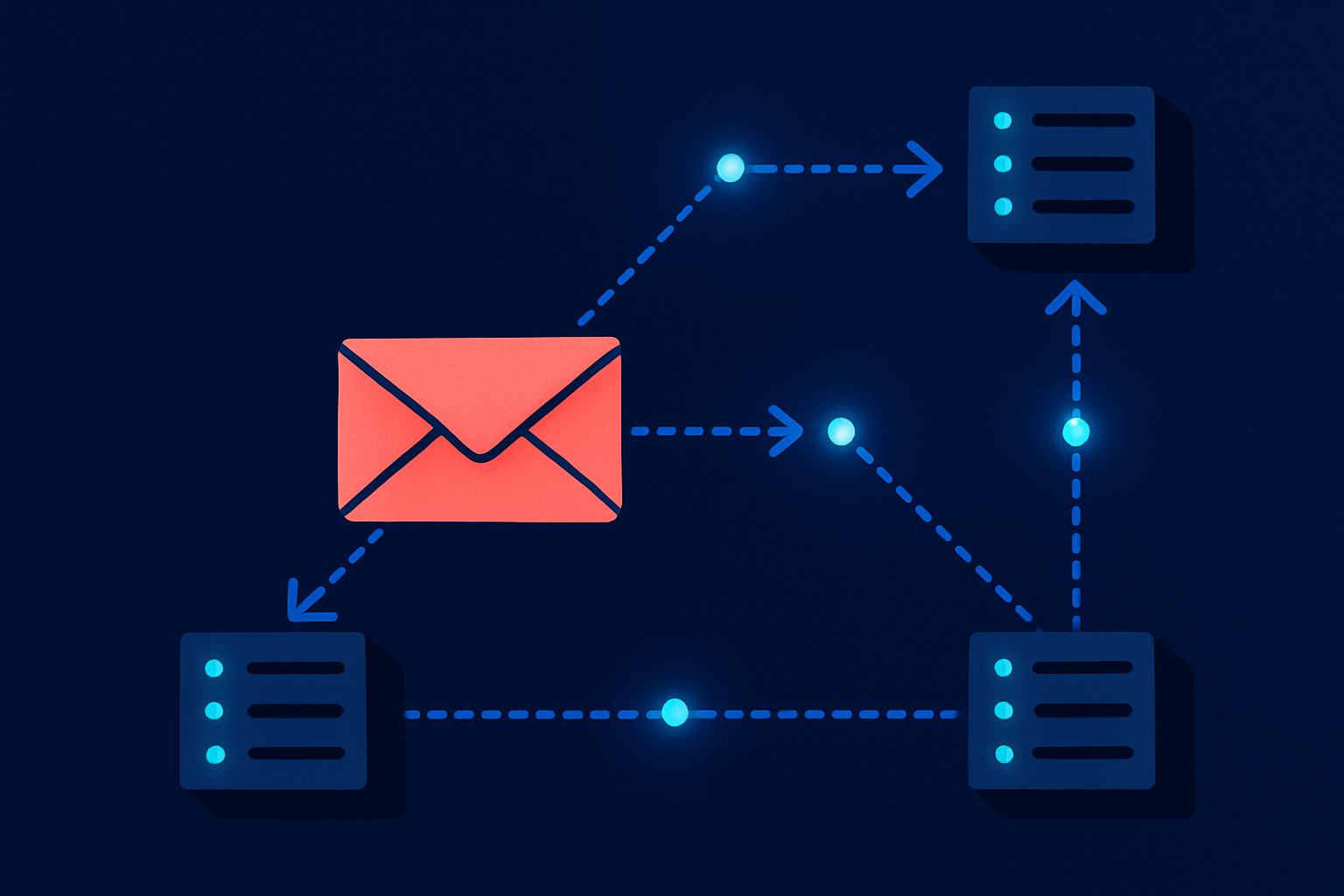
SMTP (Simple Mail Transfer Protocol) is the standard network protocol that transfers email between servers. Defined in RFC 5321, it governs the handshake that happens every time a message moves from one mail server to the next. Whether you call smtplib.SMTP() in Python or configure a third-party relay, the same wire protocol carries the message.
This guide covers the full picture: how a message hops from your application to an inbox, what the SMTP conversation actually looks like, which port to use and why, when you need a relay service, and when a modern sending API is the better call.
How an Email Travels: MUA to Inbox in Four Hops
Most explanations stop at “your server sends it to their server.” The real path involves four distinct roles, each with a specific job.
Mail User Agent (MUA): The client that composes the message. Your app, your Django app, your cron job. The MUA does not deliver mail; it hands the message off.
Mail Submission Agent (MSA): The first SMTP server the MUA connects to. The MSA accepts the message, authenticates the sender, and queues it for onward delivery. Per RFC 6409, the MSA listens on port 587 and requires authentication.
Mail Transfer Agent (MTA): The routing layer. The MTA accepts mail from the MSA (or another MTA), looks up the recipient domain’s MX records in DNS, and relays the message toward the destination. MTAs talk to each other on port 25.
Mail Delivery Agent (MDA): The final server at the destination domain. The MDA accepts the message from the last MTA in the chain and drops it into the recipient’s mailbox, where an IMAP or POP3 client retrieves it.
A typical path looks like this:
Your app (MUA)
  → smtp.sendgrid.net:587 (MSA/relay)
  → recipient's MTA (via MX lookup)
  → recipient's MDA
  → inbox
Each arrow is a separate TCP connection, each using the same SMTP handshake.
The SMTP Conversation: What Actually Happens on the Wire
SMTP is a text-based, line-oriented protocol. Both sides exchange human-readable commands and reply codes. Here is an annotated session between a client (C) and a server (S):
S: 220 mail.example.com ESMTP ready
C: EHLO myapp.example.com
S: 250-mail.example.com Hello myapp.example.com
S: 250-SIZE 10240000
S: 250-AUTH LOGIN PLAIN
S: 250 STARTTLS
C: STARTTLS
S: 220 Go ahead
[TLS handshake completes]
C: EHLO myapp.example.com
S: 250-mail.example.com Hello
S: 250 AUTH LOGIN PLAIN
C: AUTH PLAIN AHVzZXIAcGFzc3dvcmQ=
S: 235 2.7.0 Authentication successful
C: MAIL FROM:<[email protected]>
S: 250 2.1.0 Ok
C: RCPT TO:<[email protected]>
S: 250 2.1.5 Ok
C: DATA
S: 354 End data with <CR><LF>.<CR><LF>
C: From: App <[email protected]>
C: To: User <[email protected]>
C: Subject: Your receipt
C: Date: Thu, 05 Jun 2026 12:00:00 +0000
C: MIME-Version: 1.0
C: Content-Type: text/plain; charset=UTF-8
C:
C: Hi, attached is your receipt.
C: .
S: 250 2.0.0 Ok: queued as 4AB2F1
C: QUIT
S: 221 2.0.0 Bye
The reply codes follow a consistent pattern: 2xx means success, 4xx means a temporary failure (try again), 5xx means a permanent failure (do not retry). If you see a 550 5.1.1, the recipient address does not exist. A 421 4.7.0 means the receiving server is rate-limiting you.
EHLO (Extended HELO) replaced the older HELO command and is required by all modern servers. After EHLO, the server advertises its supported extensions, such as AUTH, SIZE, and STARTTLS, so the client knows what the server can handle.
SMTP Ports and Encryption: Which One to Use
Four ports carry SMTP traffic, each with a distinct role and security model. Picking the wrong one is one of the most common integration mistakes.
| Port | Name | Encryption | Role | Standard |
|---|---|---|---|---|
| 25 | SMTP | None or STARTTLS (optional) | MTA-to-MTA relay | RFC 5321 |
| 587 | Submission | STARTTLS (required) | Authenticated client submission | RFC 6409 |
| 465 | Submissions | Implicit TLS | Authenticated client submission (preferred per RFC 8314) | RFC 8314 |
| 2525 | (Non-standard) | Varies | Fallback when 587 is blocked | No RFC |
Port 25 is for server-to-server relay between MTAs. Most cloud providers (AWS, GCP, Azure) block outbound port 25 on virtual machines to prevent spam abuse. Do not use port 25 from application code.
Port 587 is the standard submission port for authenticated clients. It starts unencrypted and upgrades via STARTTLS after the initial handshake. If you connect to a relay service like SendGrid (smtp.sendgrid.net:587) or Postmark, this is the port your application uses.
Port 465 uses implicit TLS: the TLS handshake happens before any SMTP commands are exchanged. RFC 8314 recommends implicit TLS as the preferred method because the connection is encrypted from the first byte, eliminating a class of downgrade attacks that STARTTLS is theoretically vulnerable to. If your SMTP library supports it, prefer 465 over 587.
Port 2525 is a non-standard fallback offered by many relay services when 587 is also blocked. It is not defined by any RFC, so treat it as a last resort.
What Is an SMTP Relay and When You Need One
An SMTP relay is a service that accepts your outbound mail and handles the MTA-to-MTA delivery on your behalf. Instead of running your own mail infrastructure, you authenticate against a relay’s MSA, and the relay routes the message to the destination MTA.
An SMTP relay service accepts authenticated mail from your application, manages sending reputation, handles bounces, and routes each message to the recipient’s mail server, so your team does not have to operate mail infrastructure directly.
You need a relay when:
- You run code on a cloud VM where port 25 is blocked outbound (almost universal on AWS EC2, GCP Compute Engine, and Azure VMs)
- You want shared sending infrastructure with reputation monitoring and suppression lists
- You need delivery receipts, bounce webhooks, and open/click tracking without building that layer yourself
- You send enough volume that IP reputation management matters
You can skip a relay when:
- You are only routing internal mail within a single domain and organization
- You control the sending mail server and have direct port 25 access (rare for applications, common for on-premises systems)
For applications that send transactional email such as password resets, receipts, or alerts, a relay like SendGrid (smtp.sendgrid.net, port 587 or 465), Postmark, Amazon SES, or Coldletter is the practical choice. These services handle IP warmup, feedback loops with ISPs, and suppression list management. Learn more about how to pick one in Best Transactional Email Services Compared (2026), or check what Reddit users recommend as the best SMTP provider for unfiltered practitioner opinions. For a broader look at keeping mail out of spam once your relay is configured, see the email deliverability best practices guide.
SMTP vs a Sending API: When Each One Wins
Most relay services offer both an SMTP endpoint and an HTTP API. They deliver the same result, but the tradeoffs favor one or the other depending on your situation.
| Criteria | SMTP | HTTP API |
|---|---|---|
| Protocol | TCP, text-based handshake | HTTP/HTTPS, JSON payload |
| Integration effort | Low: works with any SMTP-aware library or CMS | Higher: requires API client or SDK |
| Speed at scale | Slower: sequential commands per message | Faster: bulk requests, connection reuse |
| Error handling | Reply codes (250, 421, 550) during connection | HTTP status codes, structured JSON errors |
| Webhook events | Relay-specific, not in-protocol | Built-in via API platform |
| Template rendering | Client-side only | Server-side templates available |
| Best fit | Legacy apps, CMS plugins, quick integrations | New builds, high-volume, programmatic workflows |
SMTP is the right choice when you are integrating with software that already has SMTP configured (WordPress, Magento, Jira), when you need the integration running in under an hour, or when the sending volume is modest (a few hundred messages per day).
An HTTP API wins when transactional email is central to your product: you need structured error handling, server-side templates, per-message tagging, and webhook events for opens, clicks, and bounces. The API also handles bulk sends more efficiently because you avoid the command-by-command overhead of the SMTP handshake for each message.
If you are building email into a new SaaS product, start with the API. If you are adding email to an existing system that already knows how to talk SMTP, use SMTP.
For implementation details, see How to Send Email in Python and How to Send Email in Node.js.
Common SMTP Error Codes and What They Mean
Reply codes appear in every SMTP session. Knowing which class a code belongs to tells you immediately whether to retry.
2xx (Success): The command completed. 250 Ok is the standard success response after MAIL FROM, RCPT TO, and message acceptance. 221 Bye closes the connection cleanly.
4xx (Temporary failure): The server cannot process the request right now but may succeed later. 421 Service temporarily unavailable often means rate limiting or a server overload. Retry with exponential backoff.
5xx (Permanent failure): Do not retry. 550 5.1.1 User unknown means the address does not exist. 553 5.1.3 Bad destination mailbox address indicates a malformed address. 554 5.7.1 usually signals a spam policy rejection.
The second digit provides more context: 0 is general, 1 relates to the address, 7 relates to security or policy. For authoritative definitions of all reply codes, see RFC 5321 Section 4.2.
Persistent 5xx errors on a specific address should be removed from your list immediately. Continuing to send to invalid addresses damages your sending reputation and can trigger deliverability problems for all your mail. The distinction between 4xx and 5xx matters for retry logic: see Soft Bounce vs Hard Bounce for the full handling strategy. For a deeper look at why messages get flagged, see Why Do My Emails Go to Spam? and the related email authentication guide covering SPF, DKIM, and DMARC. Once authentication is in place, setting up DMARC correctly is the next step toward full inbox trust.
Frequently Asked Questions
What is SMTP used for?
SMTP (Simple Mail Transfer Protocol) is the protocol that transfers email between servers. It is used every time a message moves from your application or mail client to a mail server, and again when that server relays the message toward the recipient’s domain. Every email you send uses SMTP somewhere in its journey, even if you interact with it only through a library or API wrapper.
What is the difference between port 25, 587, and 465 for SMTP?
Port 25 handles server-to-server relay between MTAs and is not used for authenticated client submission. Port 587 is the standard authenticated submission port, using STARTTLS to encrypt the connection after the initial handshake. Port 465 uses implicit TLS, encrypting from the first byte; RFC 8314 recommends it as the preferred submission port. Most cloud VMs block outbound port 25, so applications should use 587 or 465.
Do I need an SMTP relay service?
If your application runs on a cloud VM (AWS, GCP, Azure), almost certainly yes: these providers block outbound port 25 to prevent spam, so you cannot deliver mail directly. A relay service like SendGrid, Postmark, or Amazon SES accepts your mail on port 587 or 465, manages IP reputation, handles bounces, and routes delivery. For very low volumes or internal-only mail, a relay is optional.
What does a 550 SMTP error mean?
A 550 reply code is a permanent failure indicating the server rejected the message. The most common cause is 550 5.1.1 User unknown, meaning the recipient address does not exist on the destination server. Other 550 variants signal spam policy rejections or domain-level blocks. Unlike 4xx errors, 5xx errors should not be retried, and the offending address should be removed from your sending list.
Should I use SMTP or an email API for my SaaS app?
For new builds where email is a core product feature, use an HTTP API: it offers faster bulk sending, structured error handling, server-side templates, and webhook events for delivery receipts and engagement tracking. SMTP is the better fit for integrating with existing software that already speaks SMTP (CMS platforms, ticketing tools, on-premises apps) or for quick integrations where you want something working in minutes rather than hours.
What is STARTTLS and how does it differ from implicit TLS?
STARTTLS is an SMTP command that upgrades a plaintext connection to an encrypted one mid-session. The client connects on port 587, exchanges a few unencrypted EHLO lines, then issues STARTTLS to negotiate TLS. Implicit TLS (port 465) skips the plaintext phase entirely: TLS is established before any SMTP commands are sent. RFC 8314 recommends implicit TLS because it removes the theoretical downgrade attack surface present in STARTTLS negotiation.

I’ve spent my career building software at scale with a soft spot for email: deliverability, lifecycle campaigns, and getting messages to actually land. I started Coldletter to fix what bugged me about transactional and marketing email tools. I’m based in Vancouver.